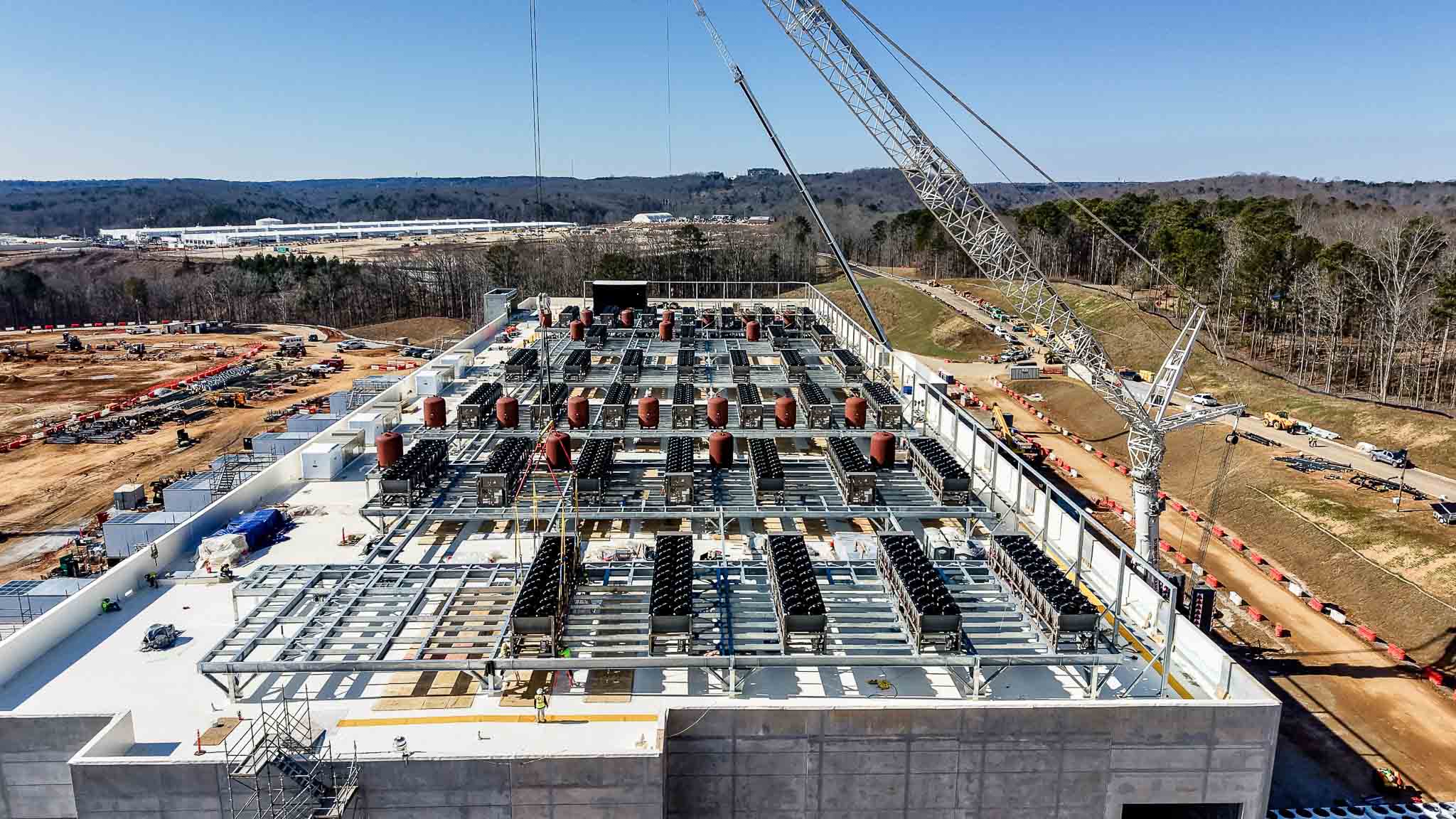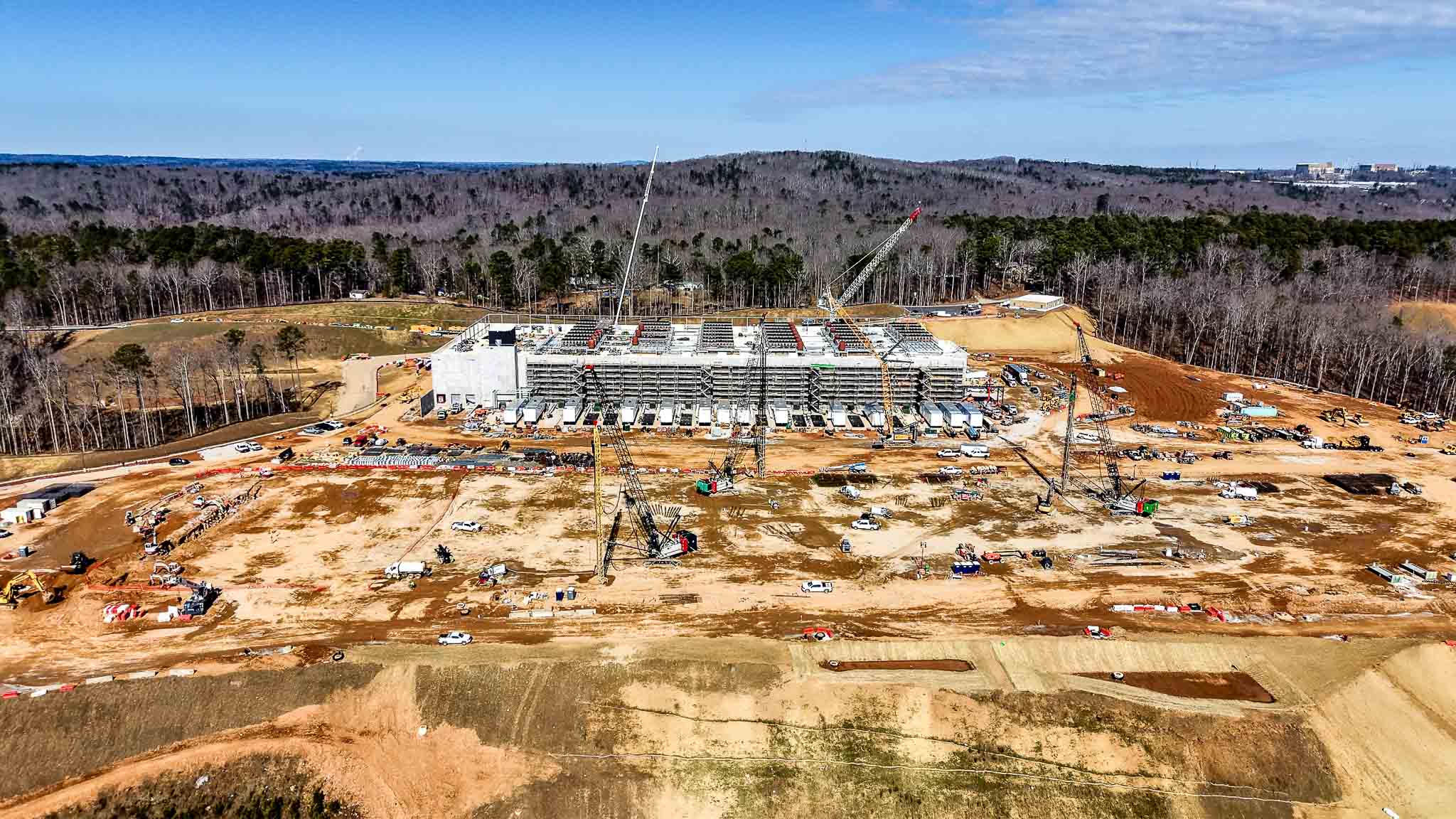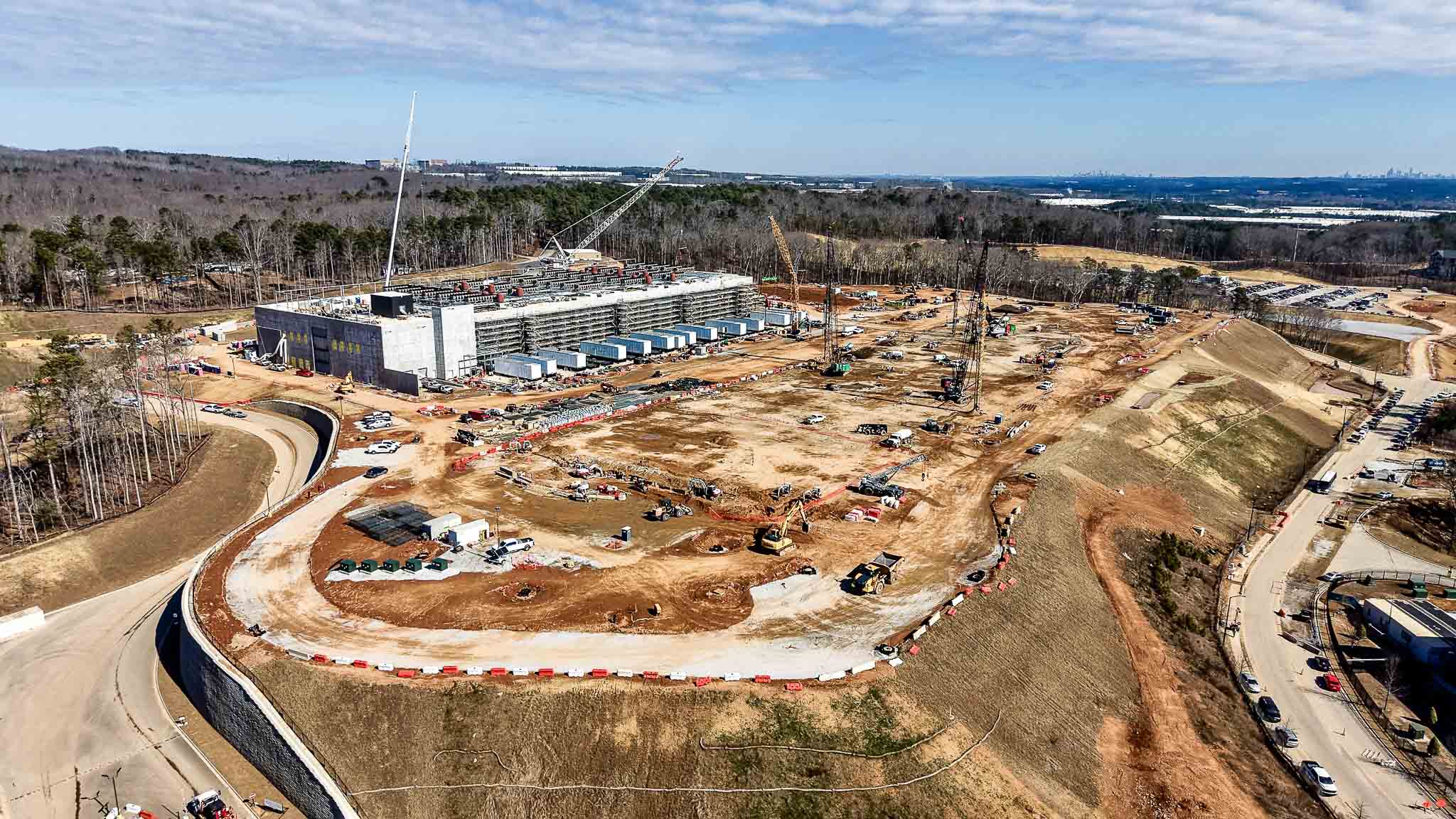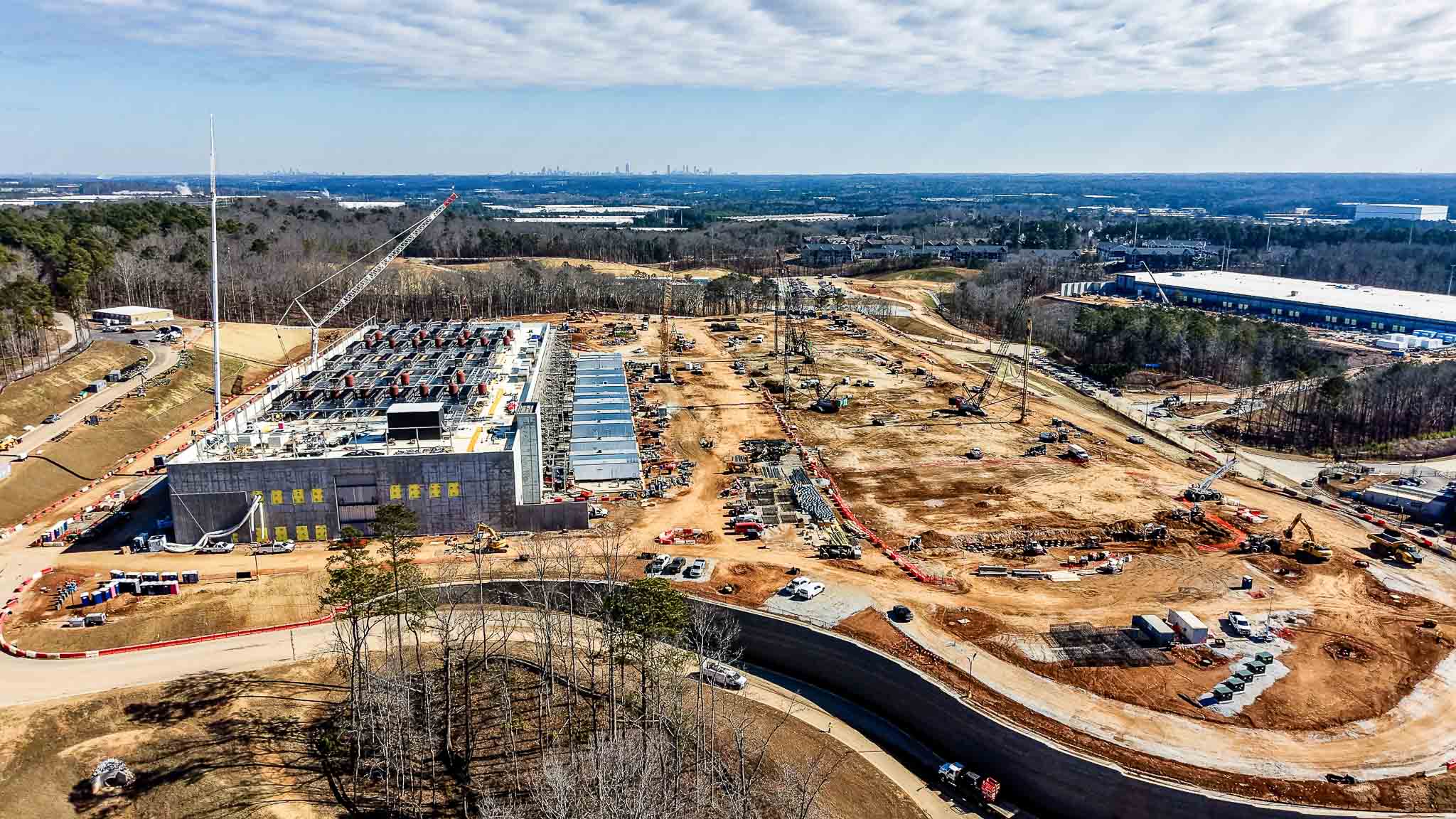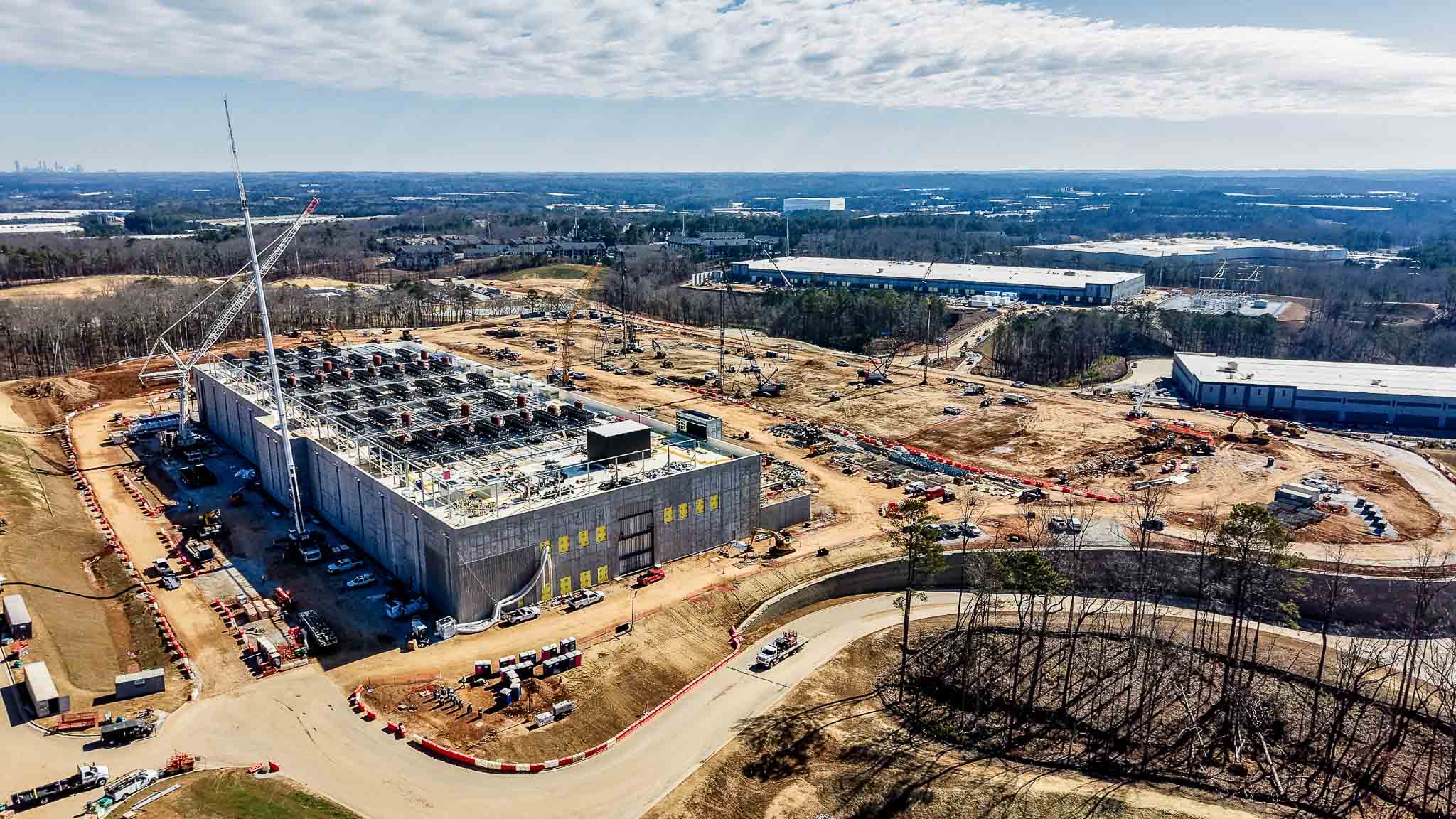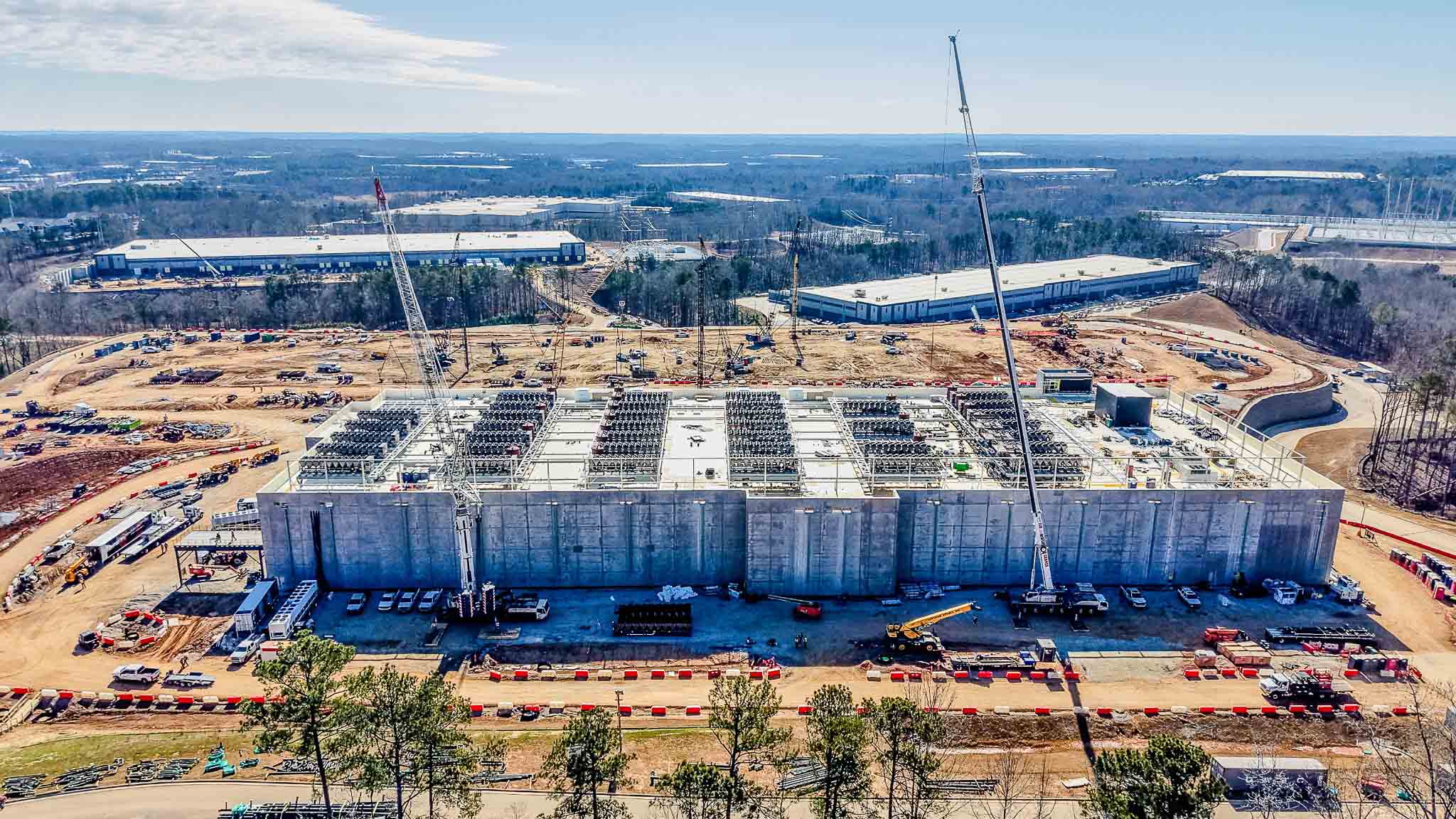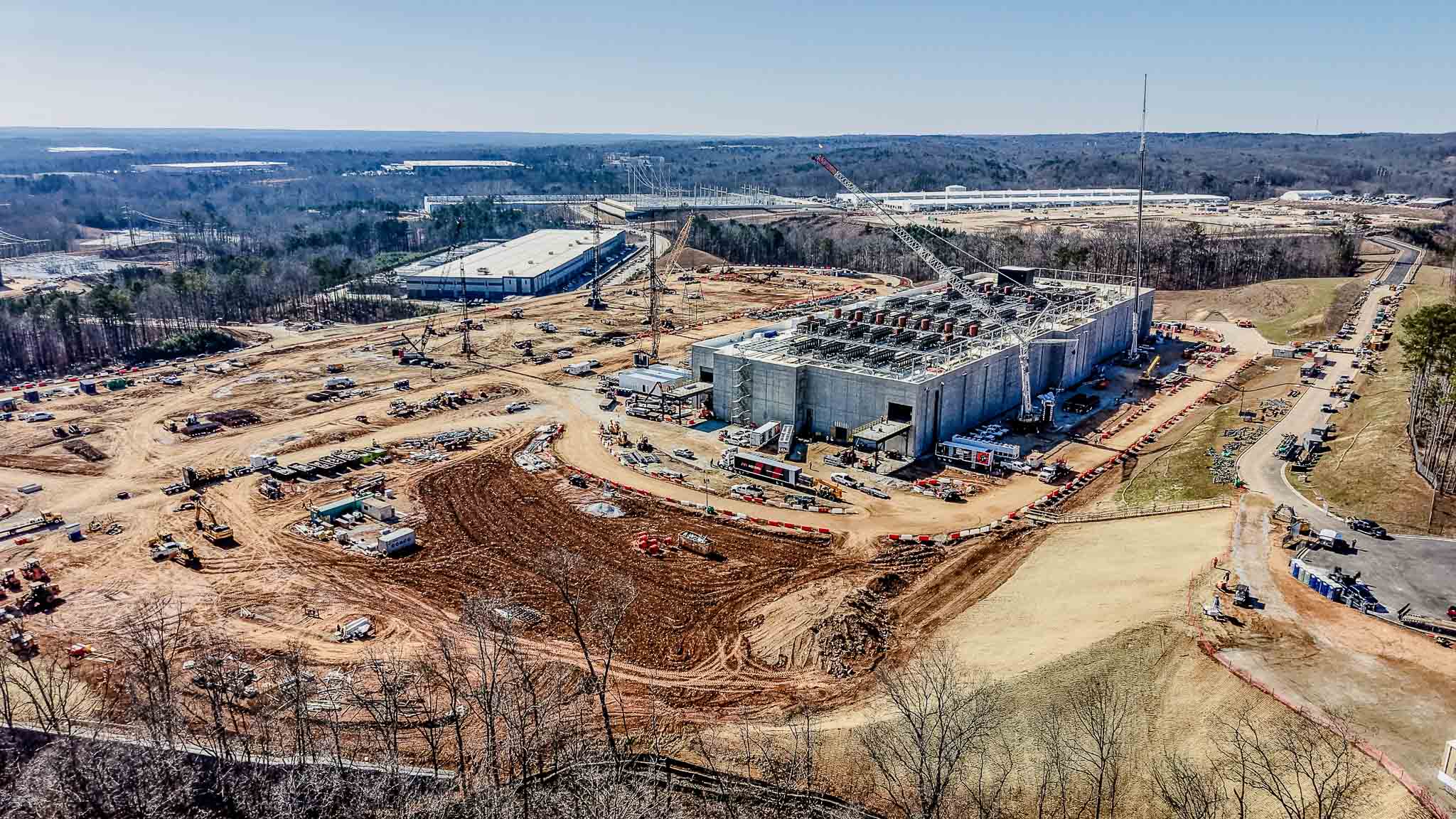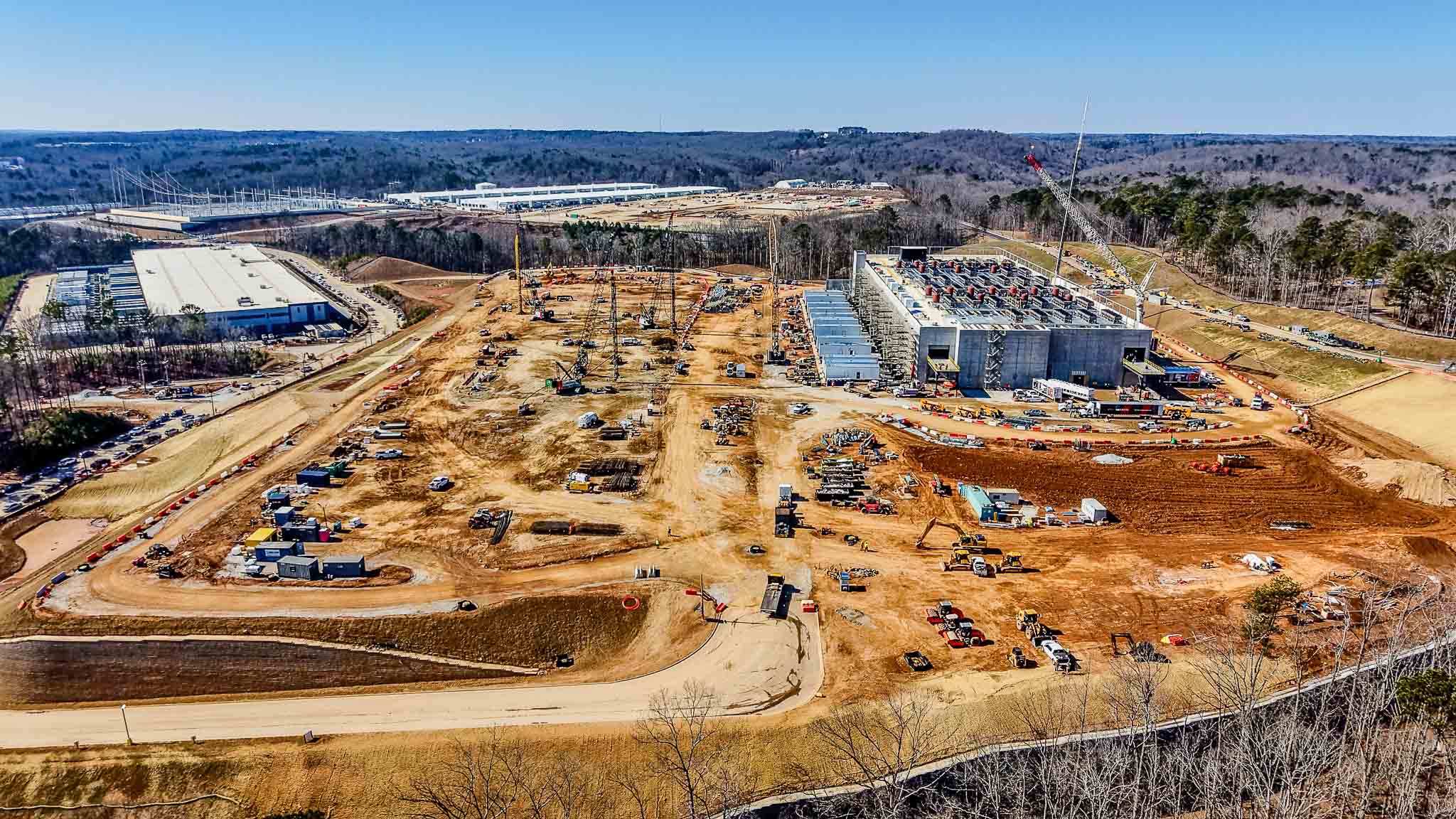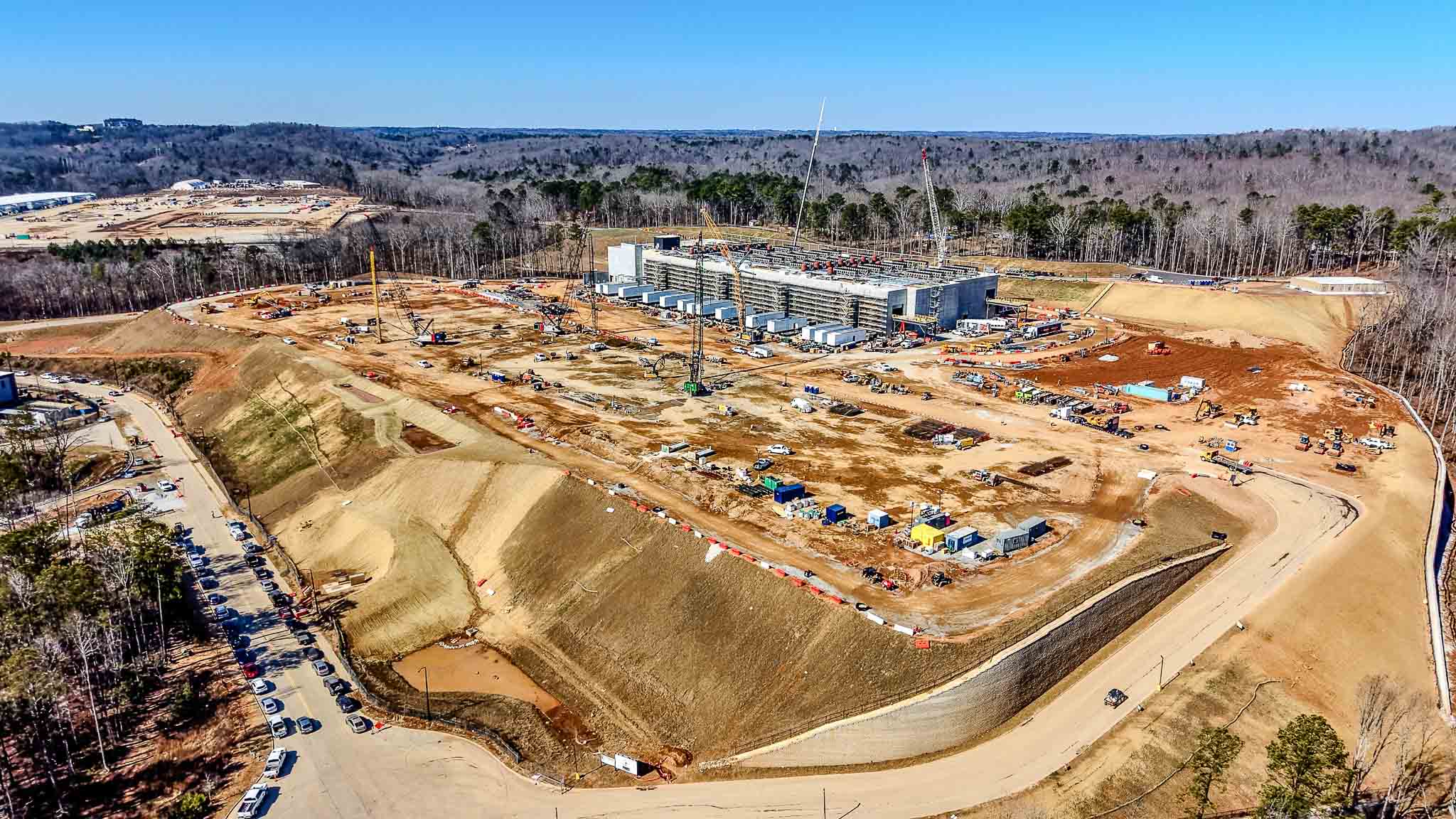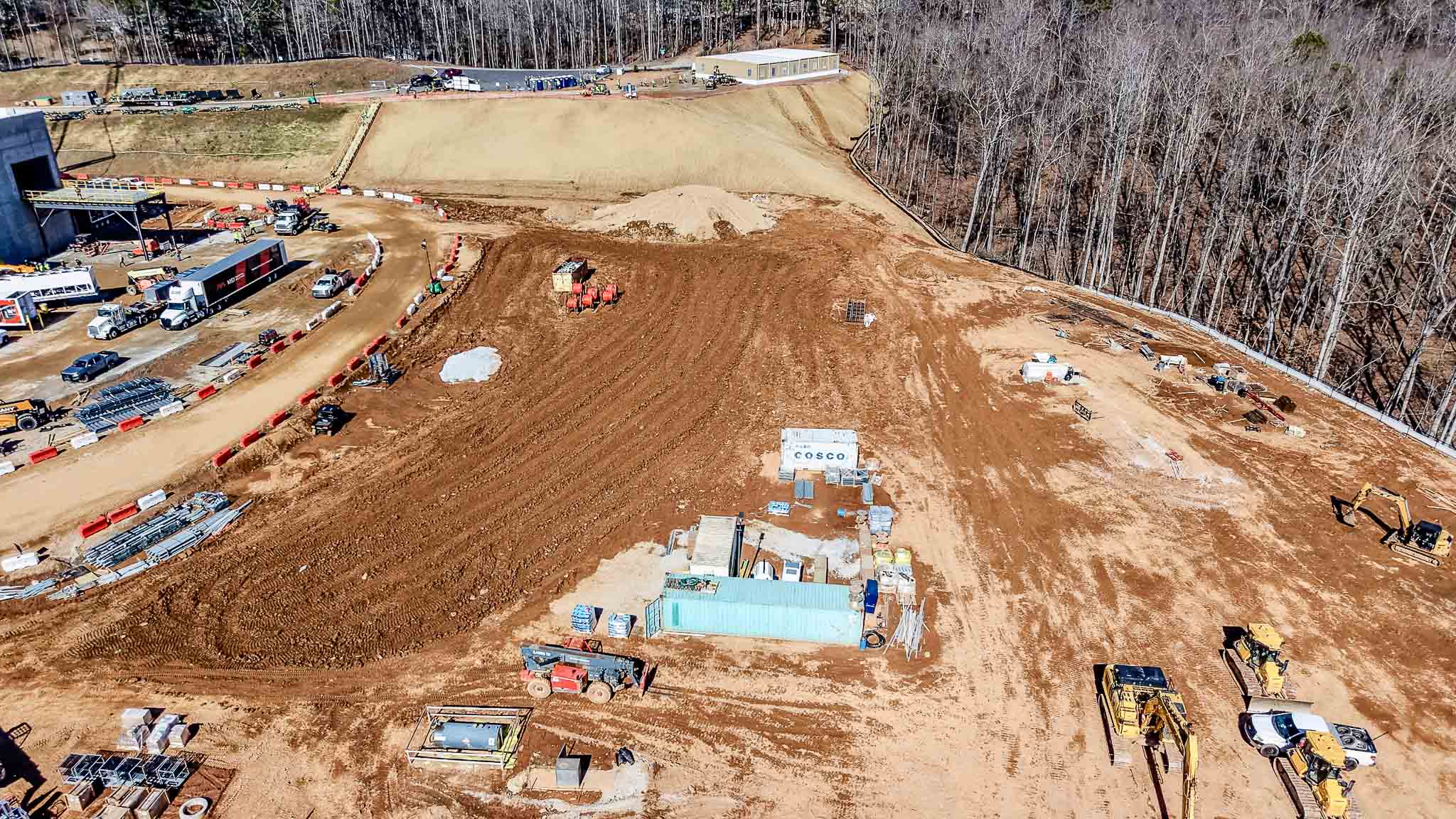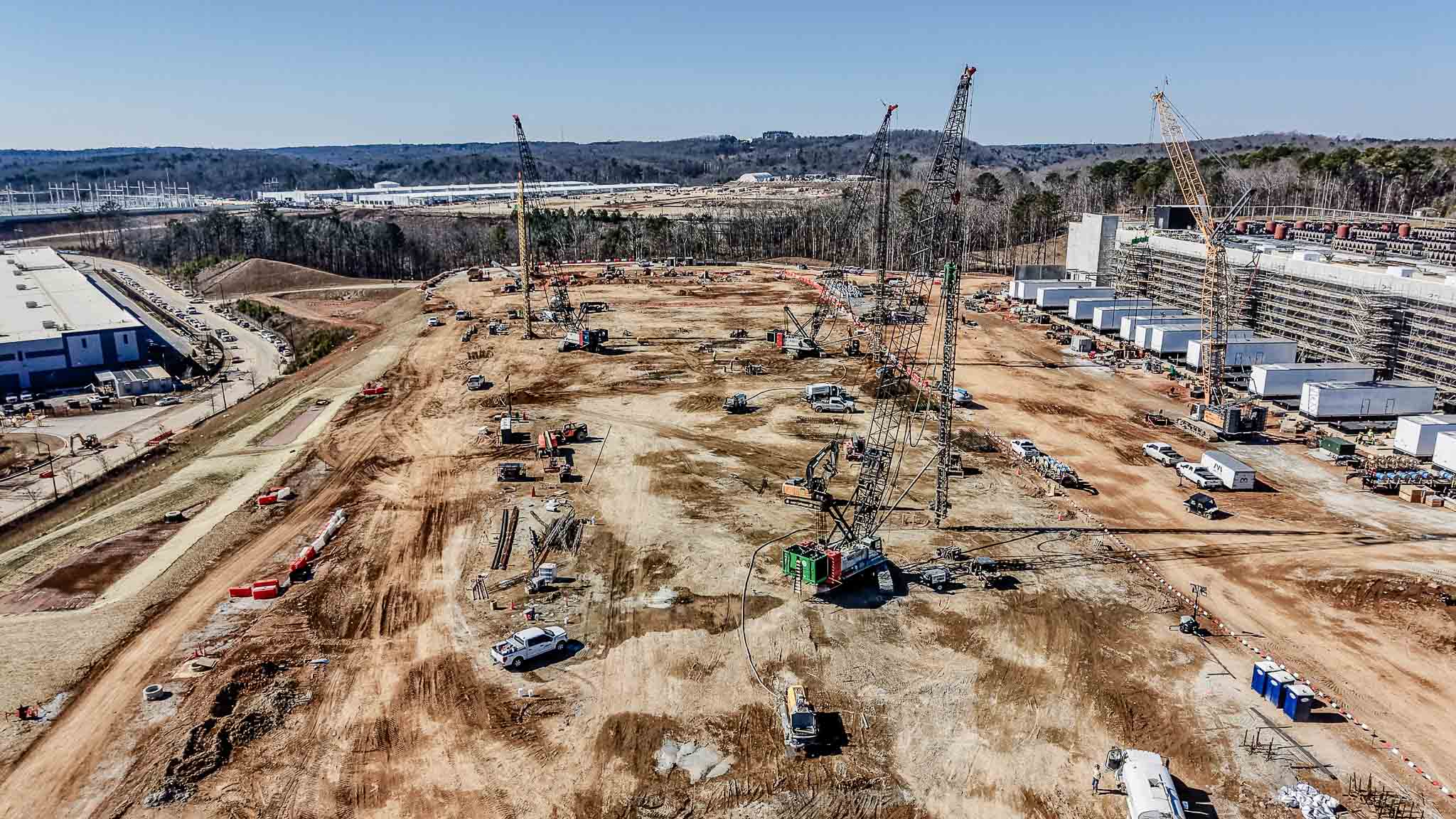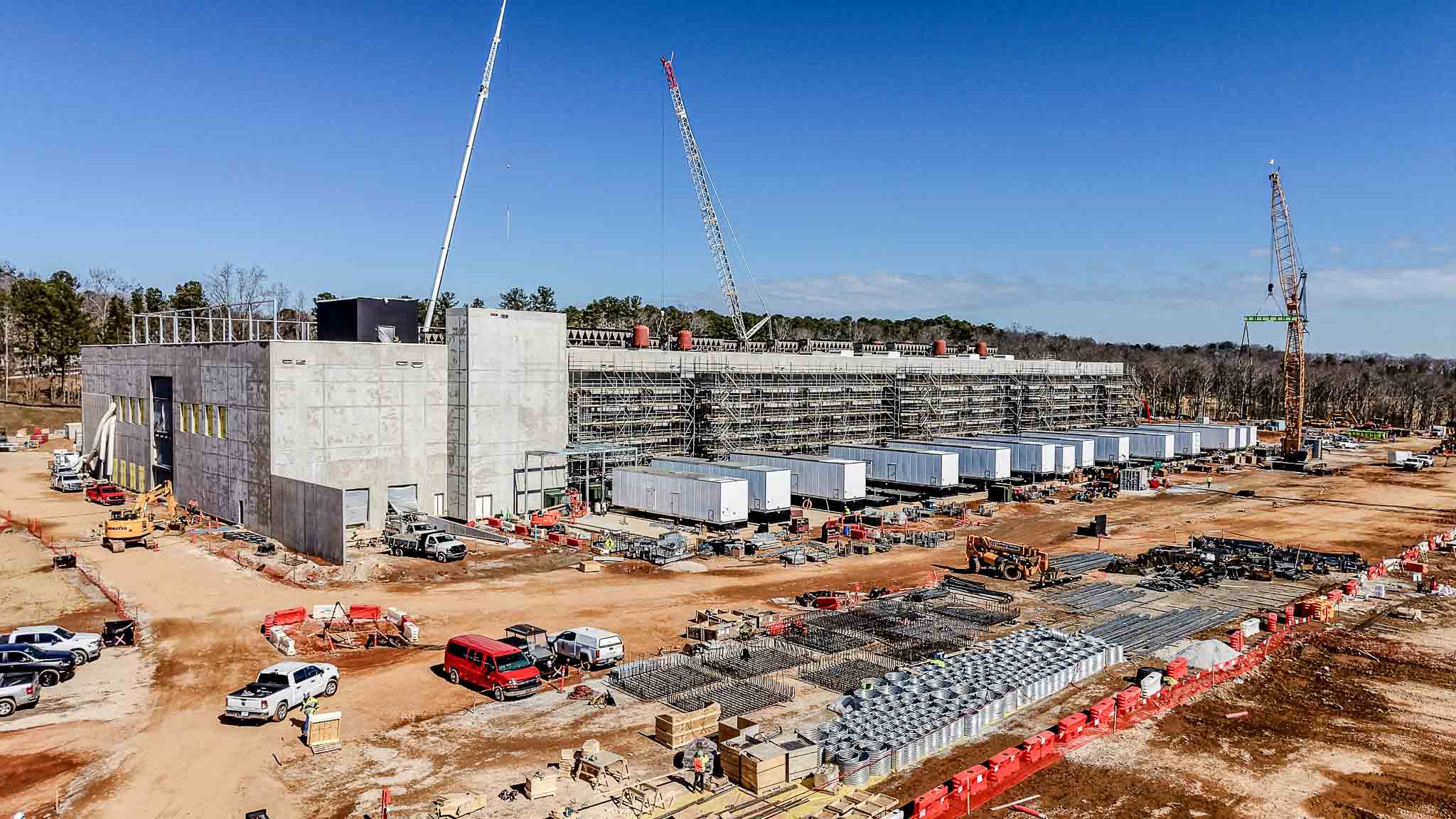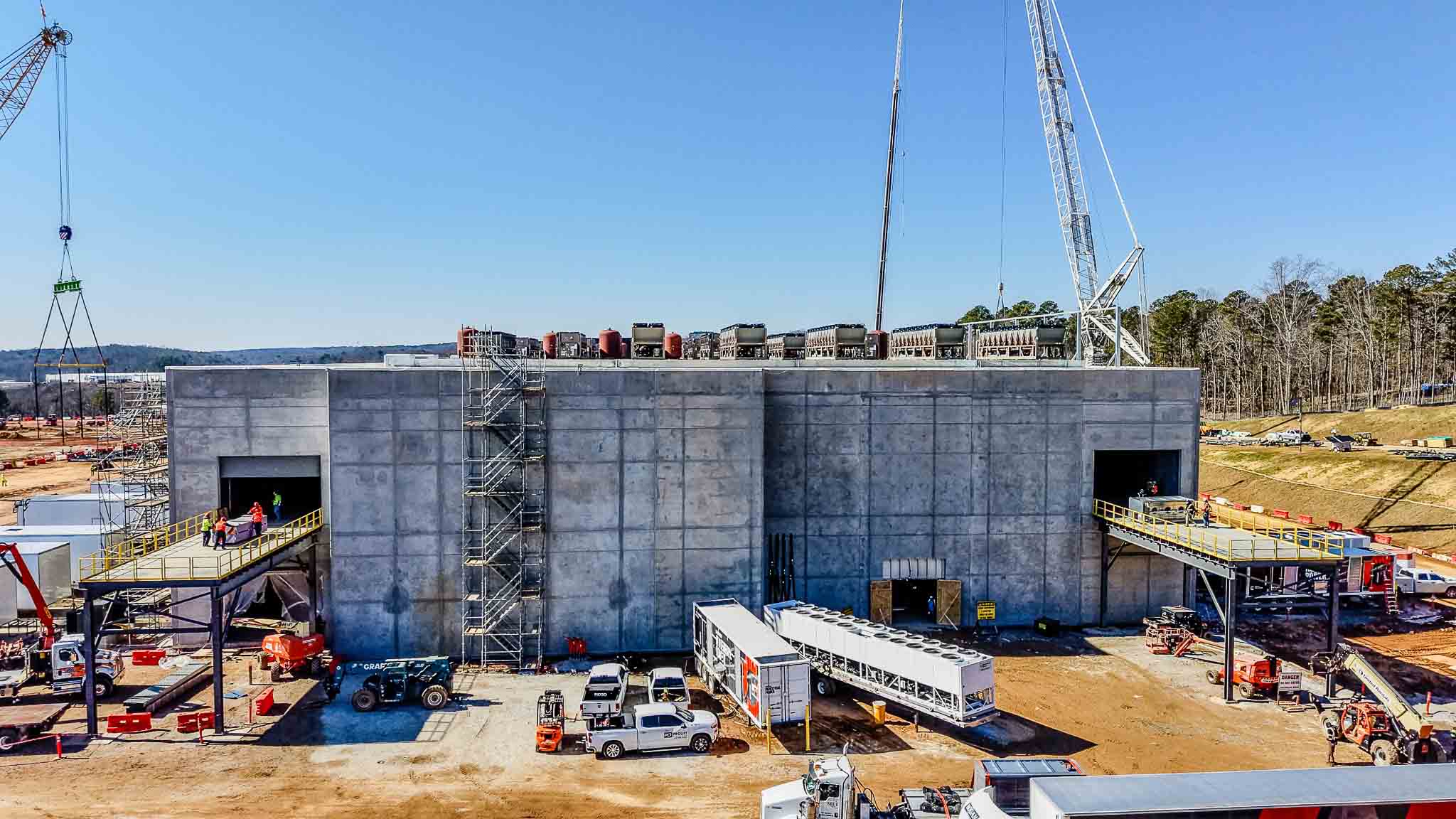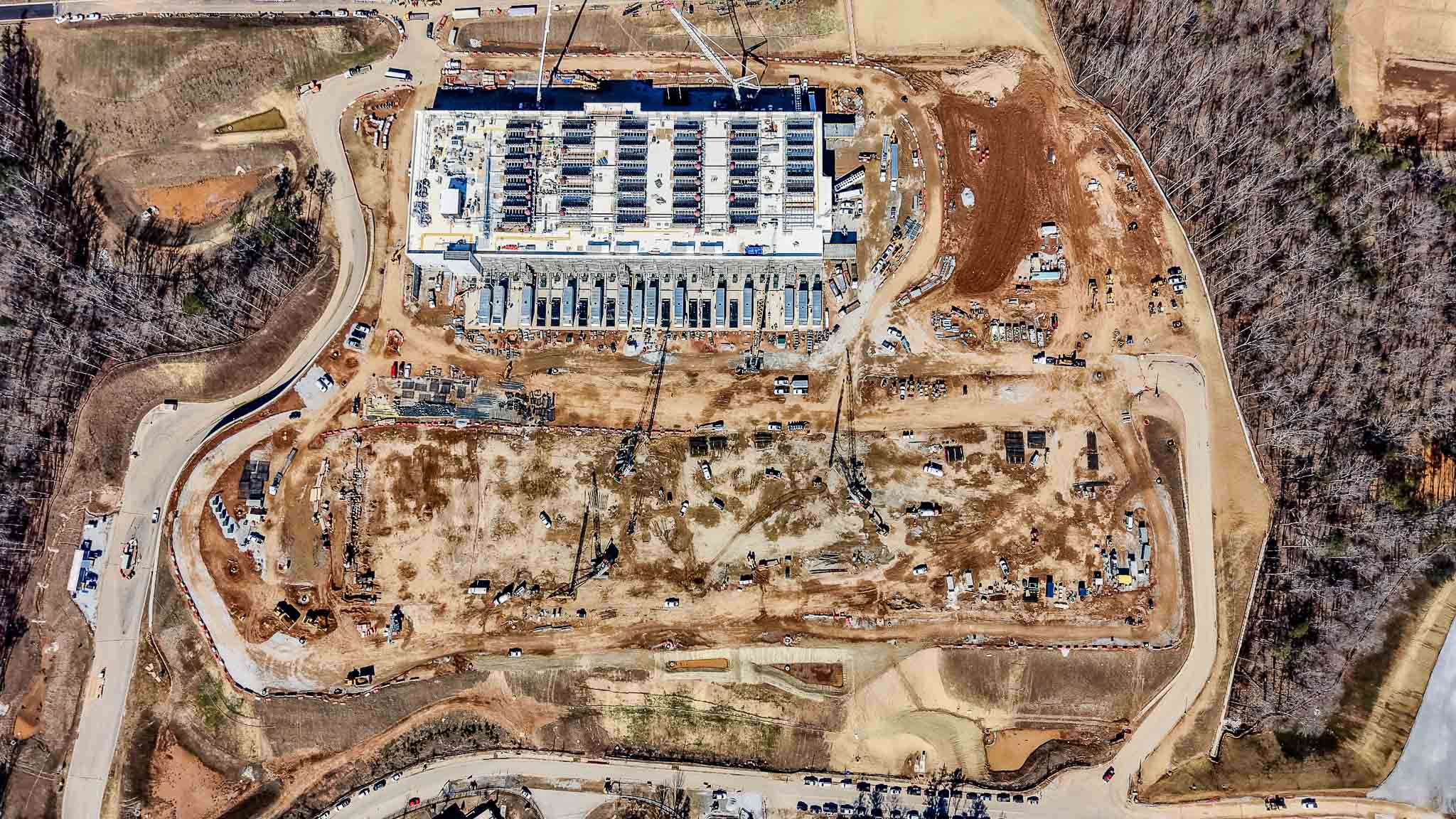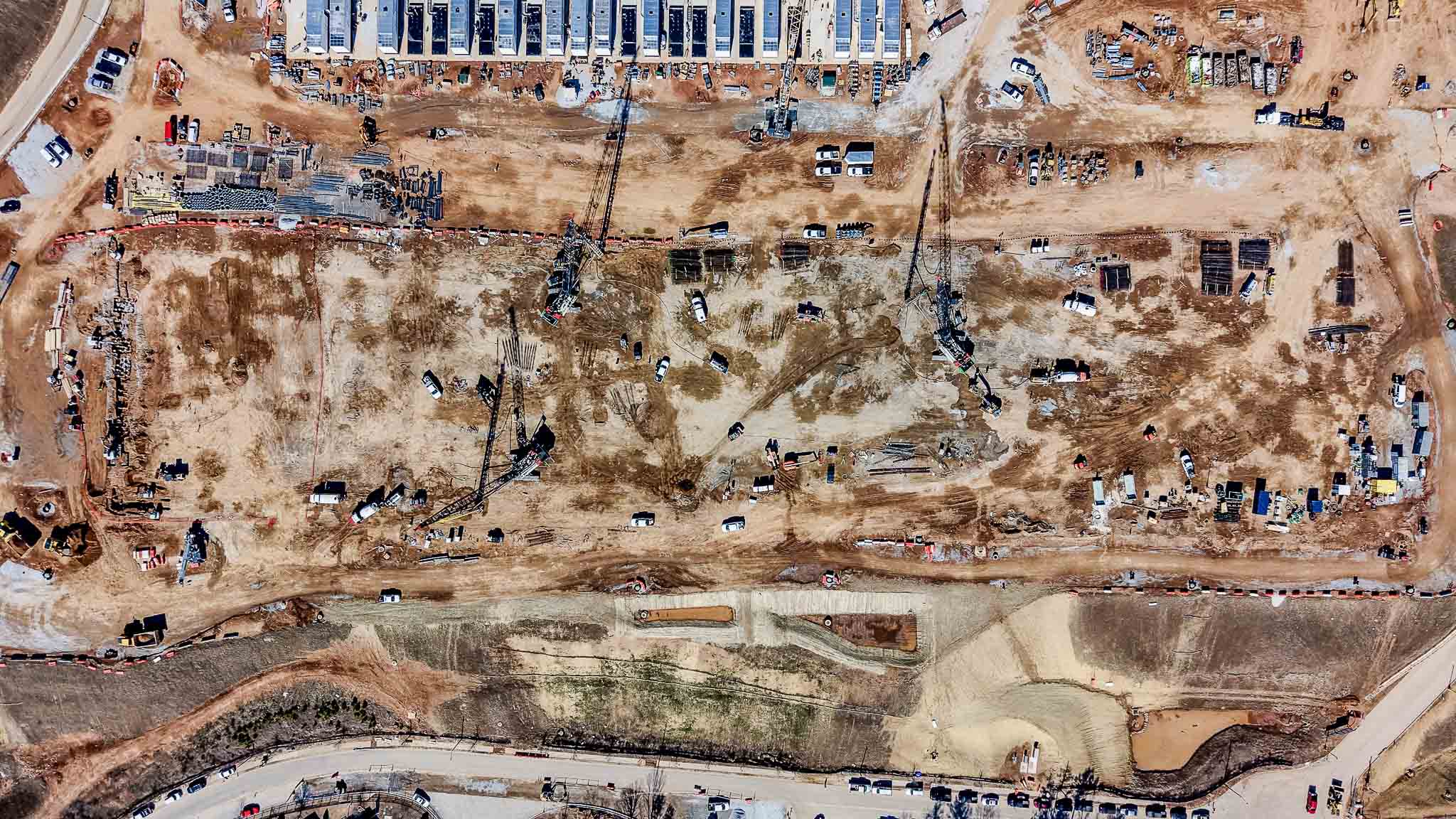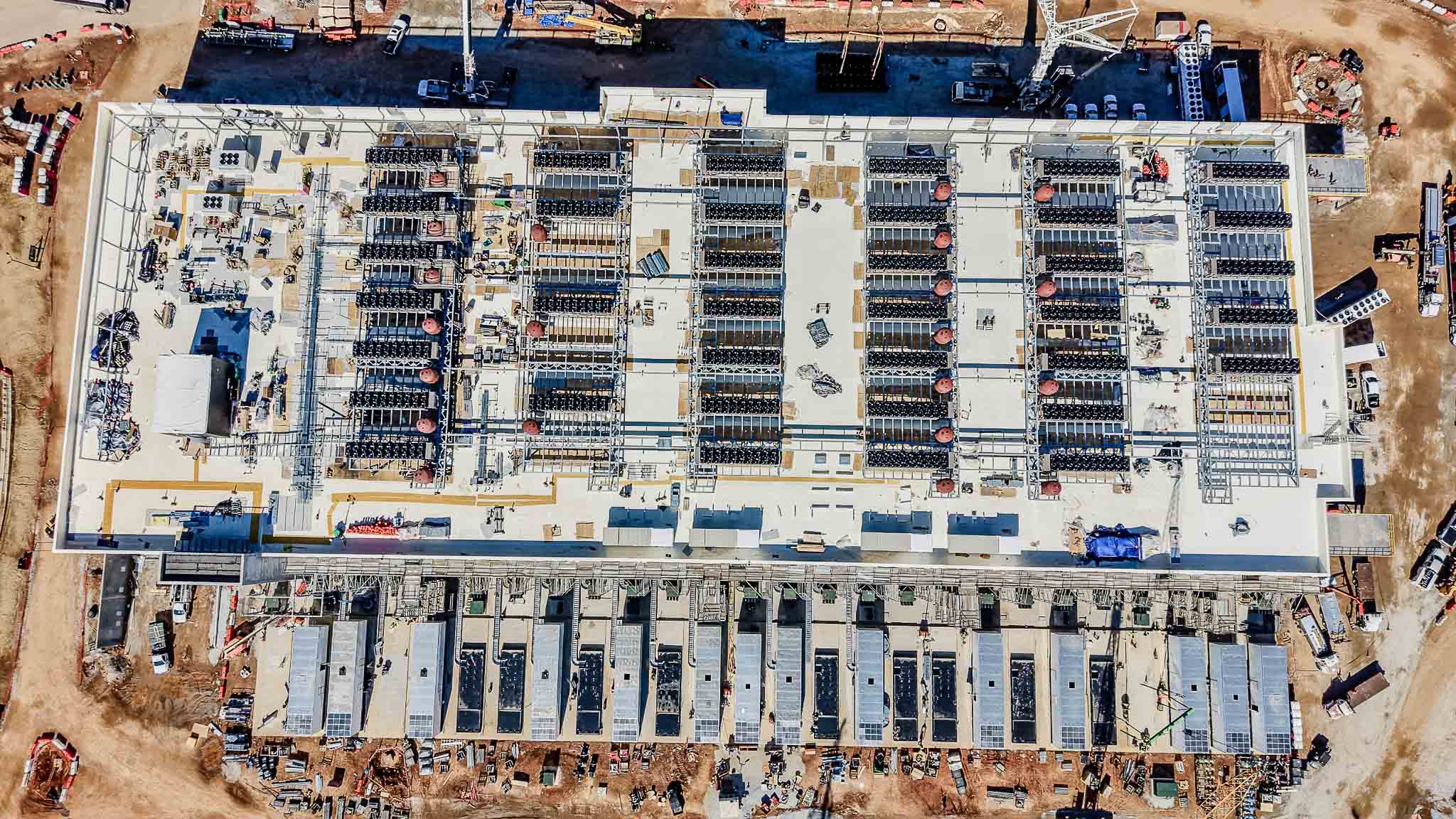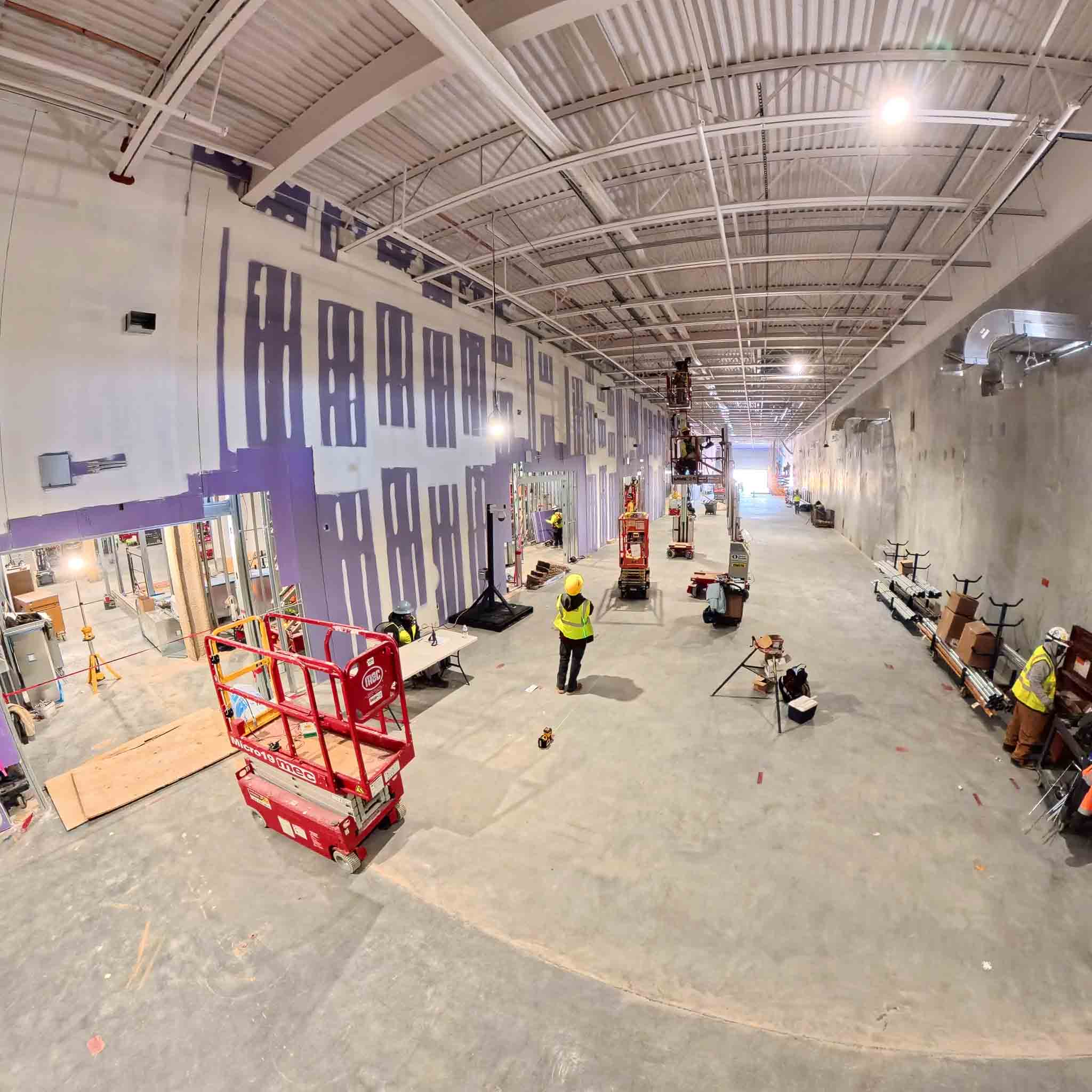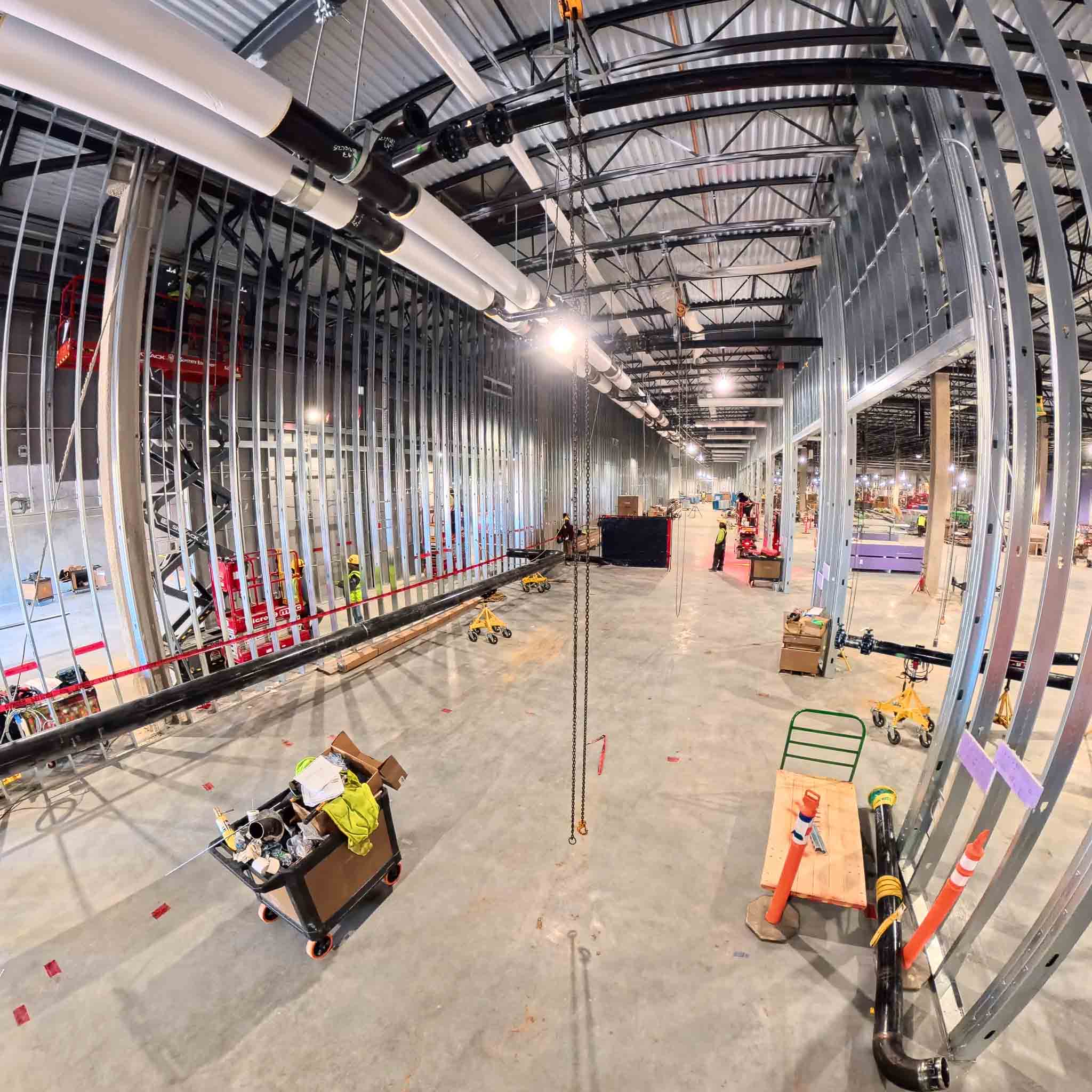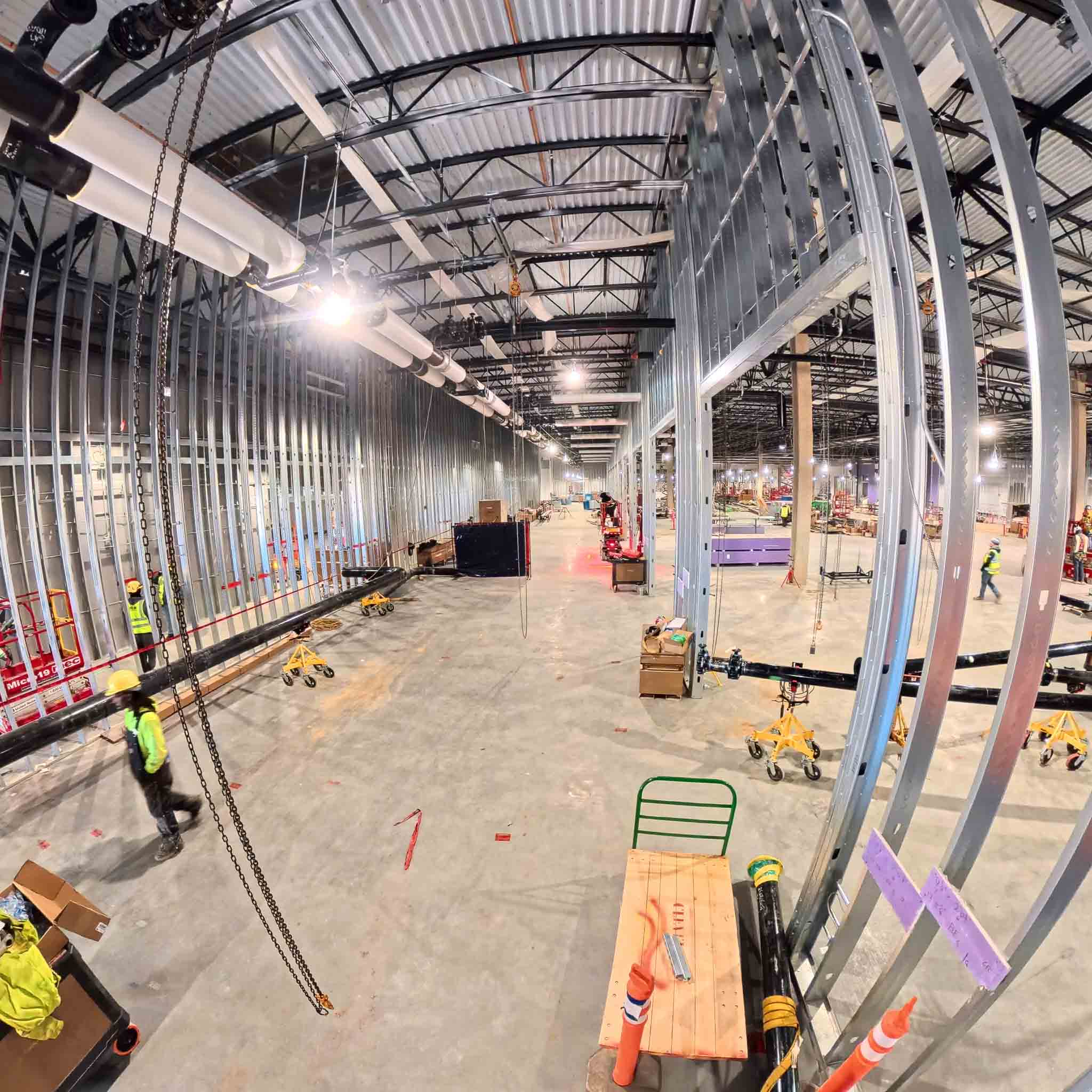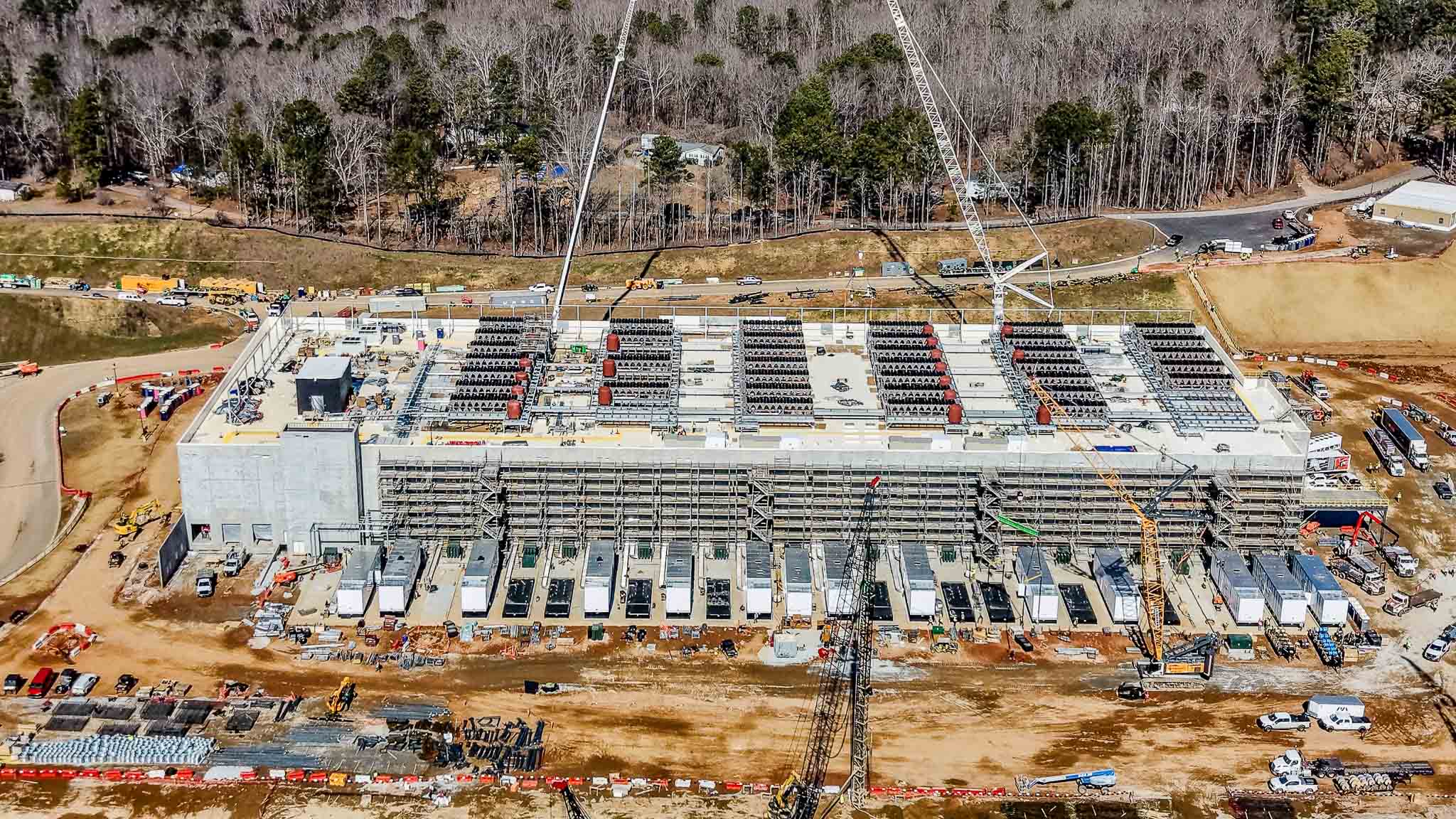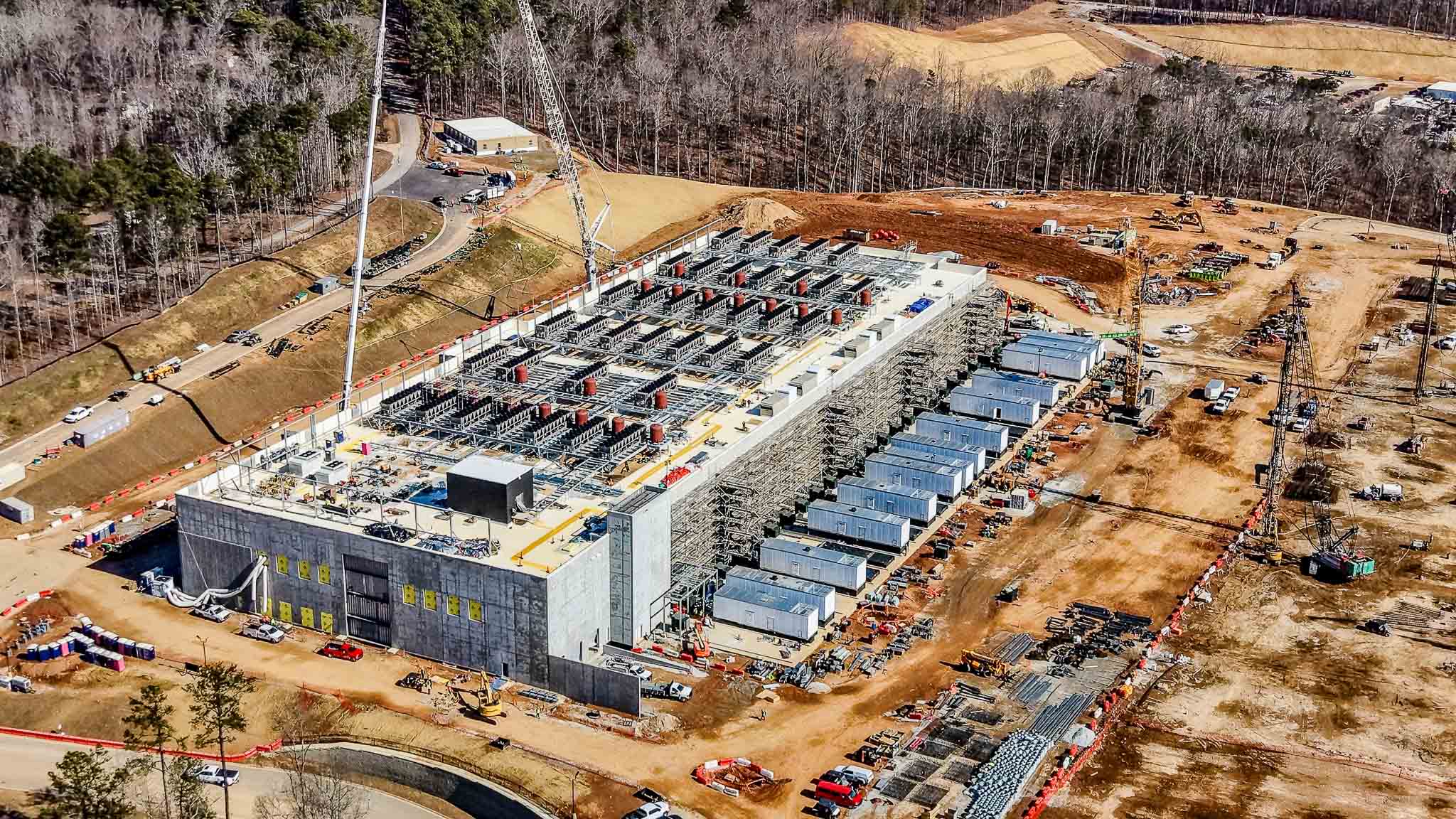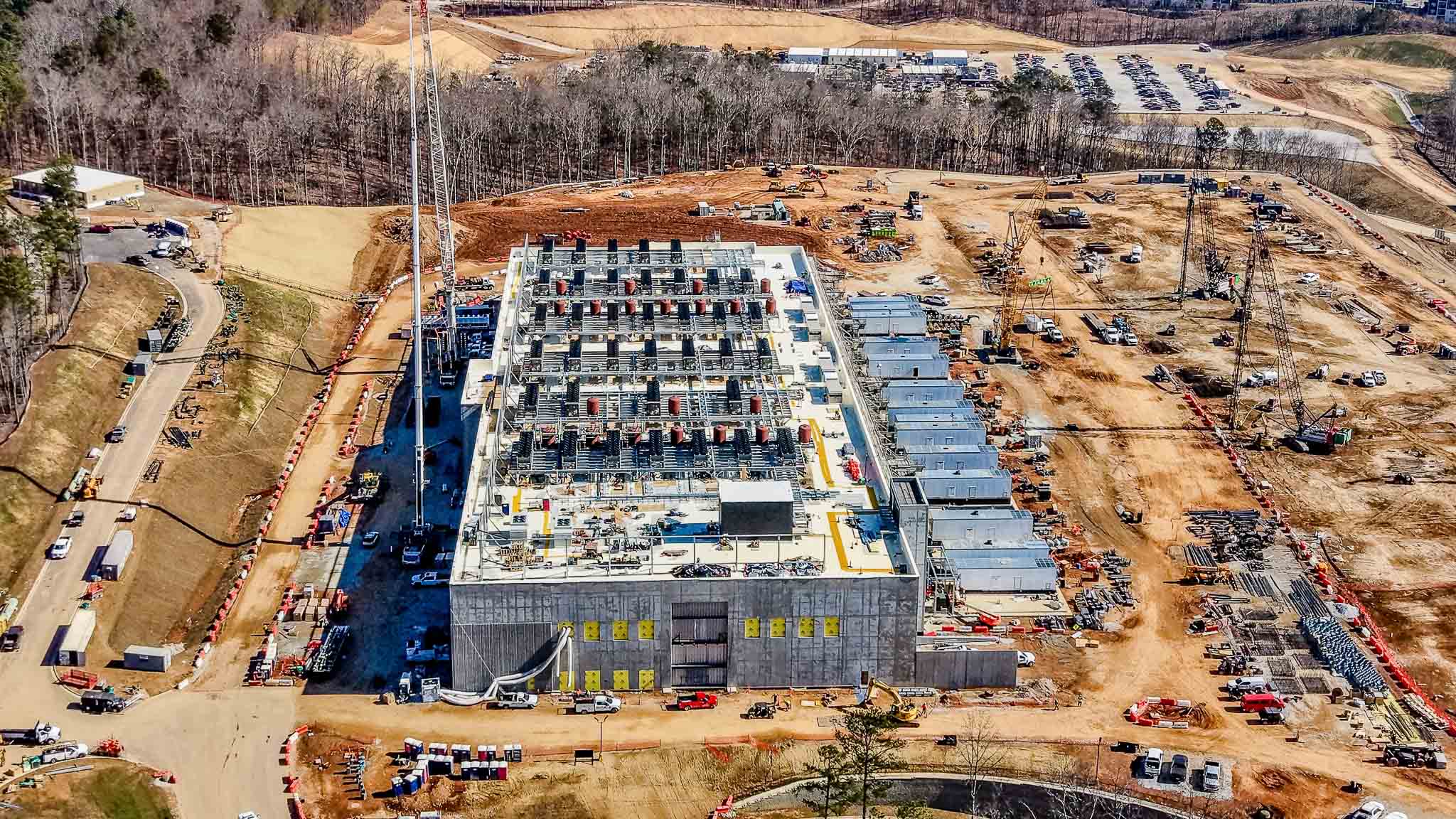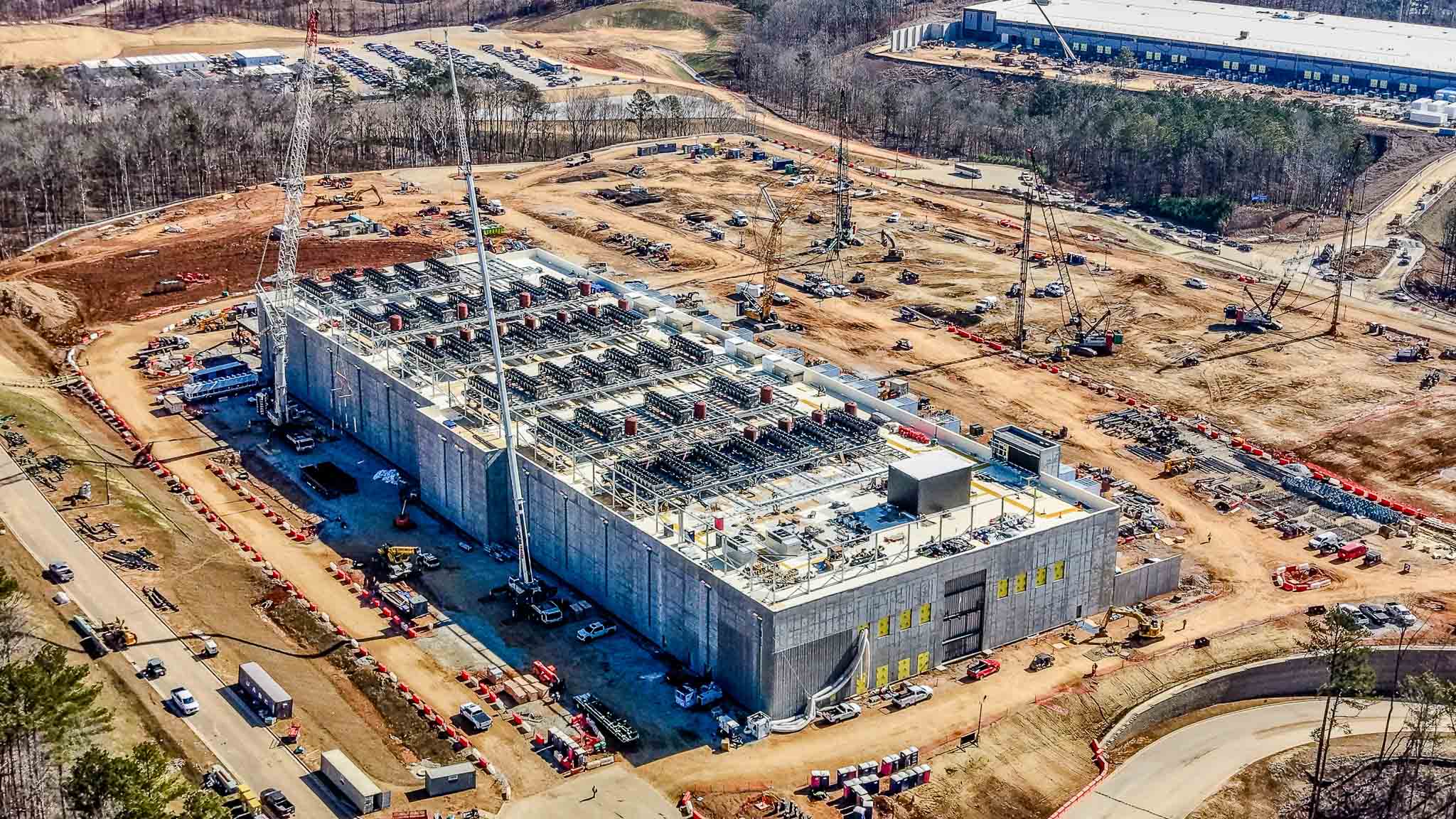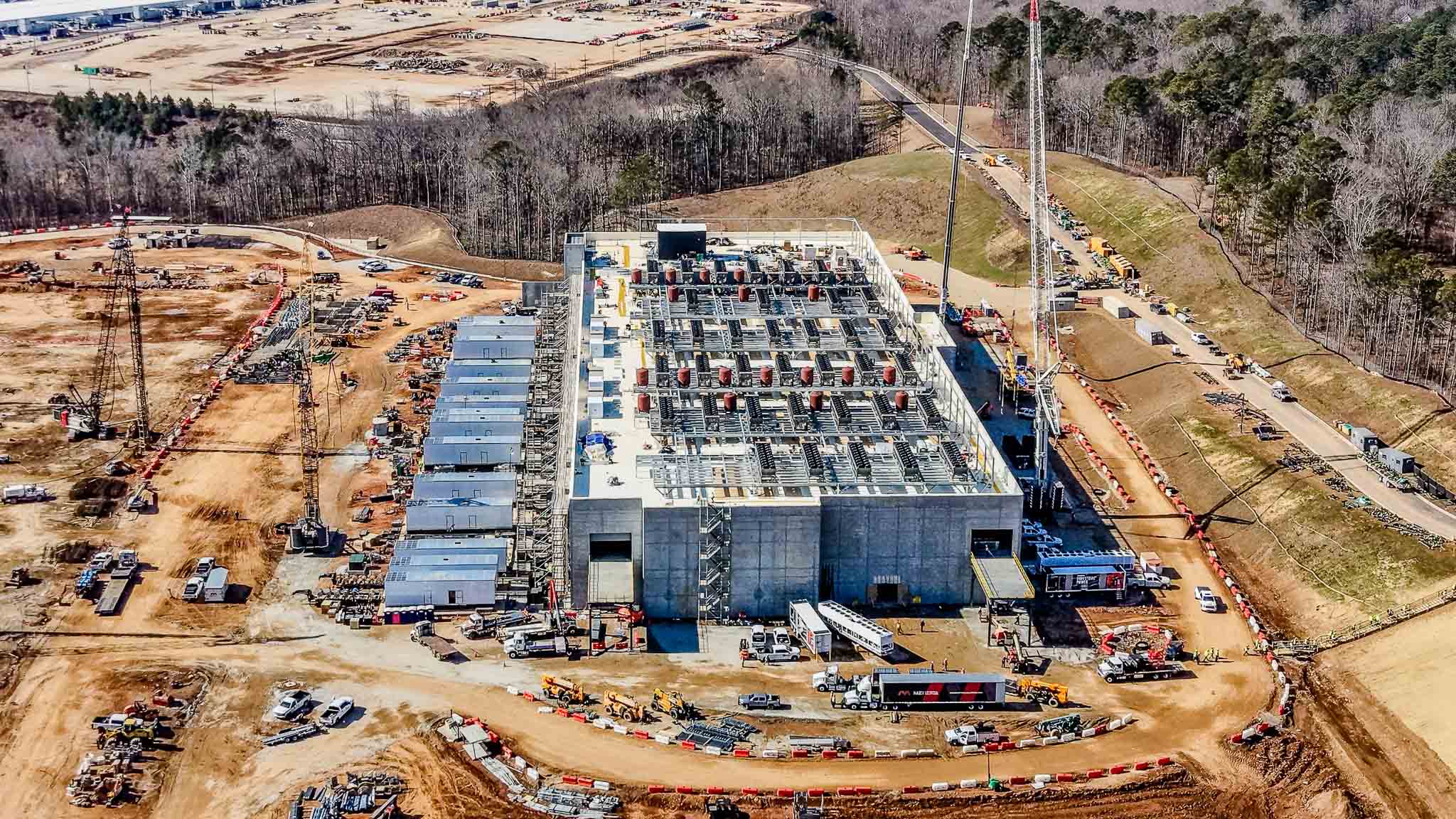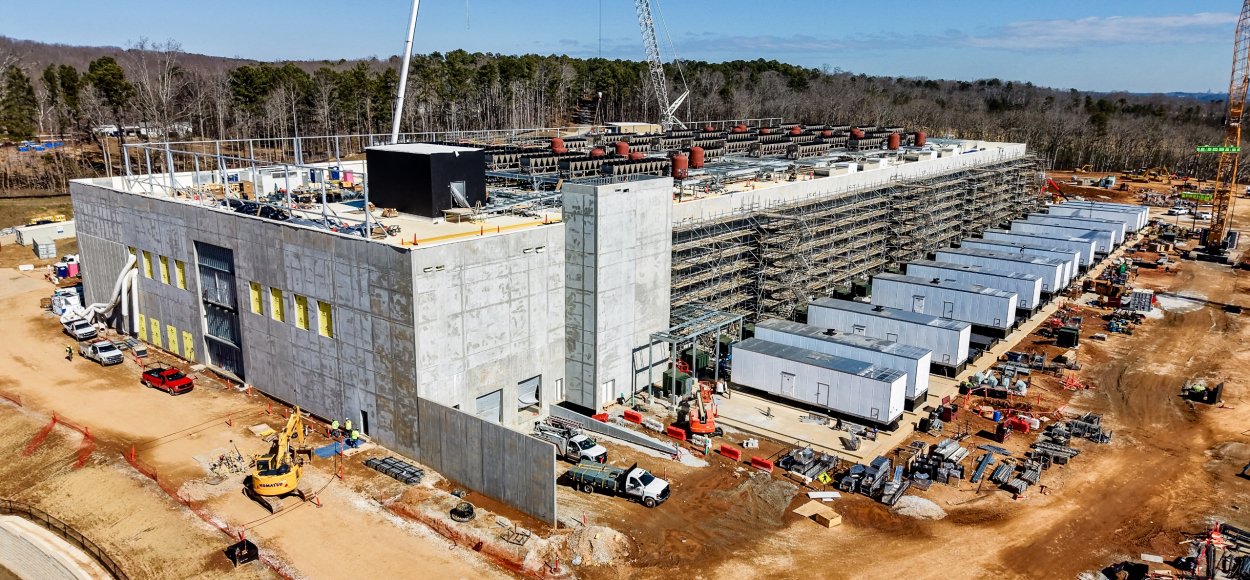
02.02.26
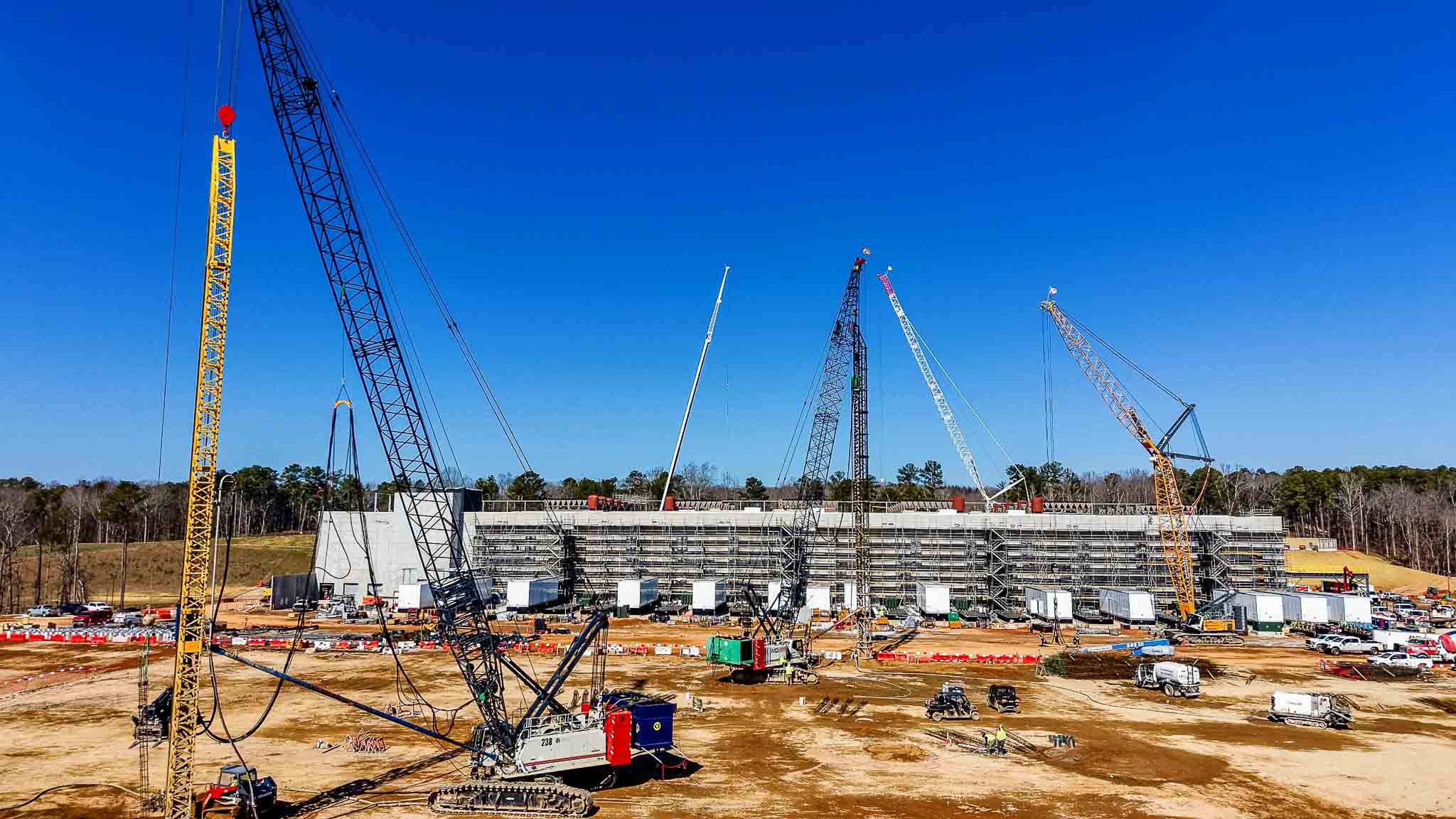
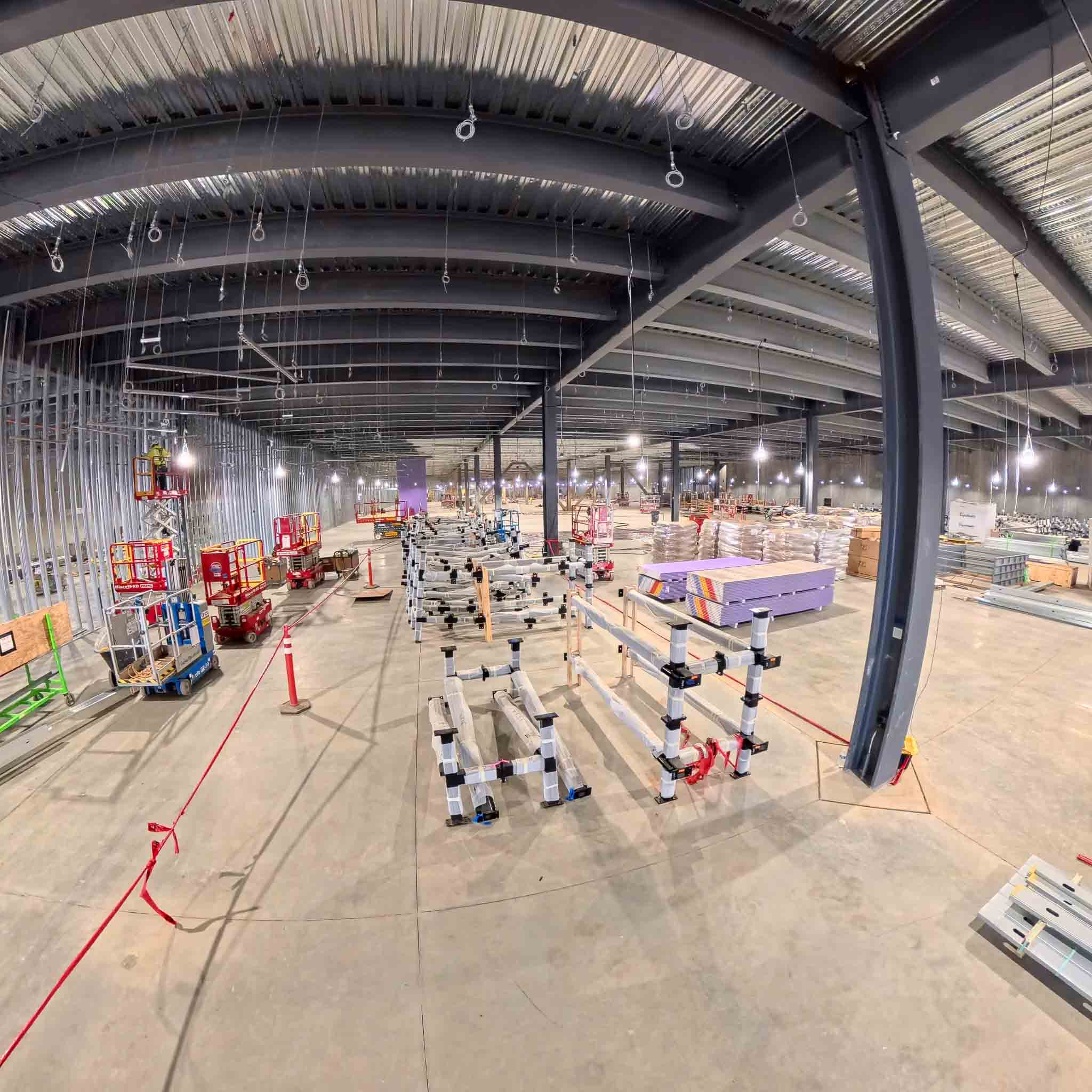
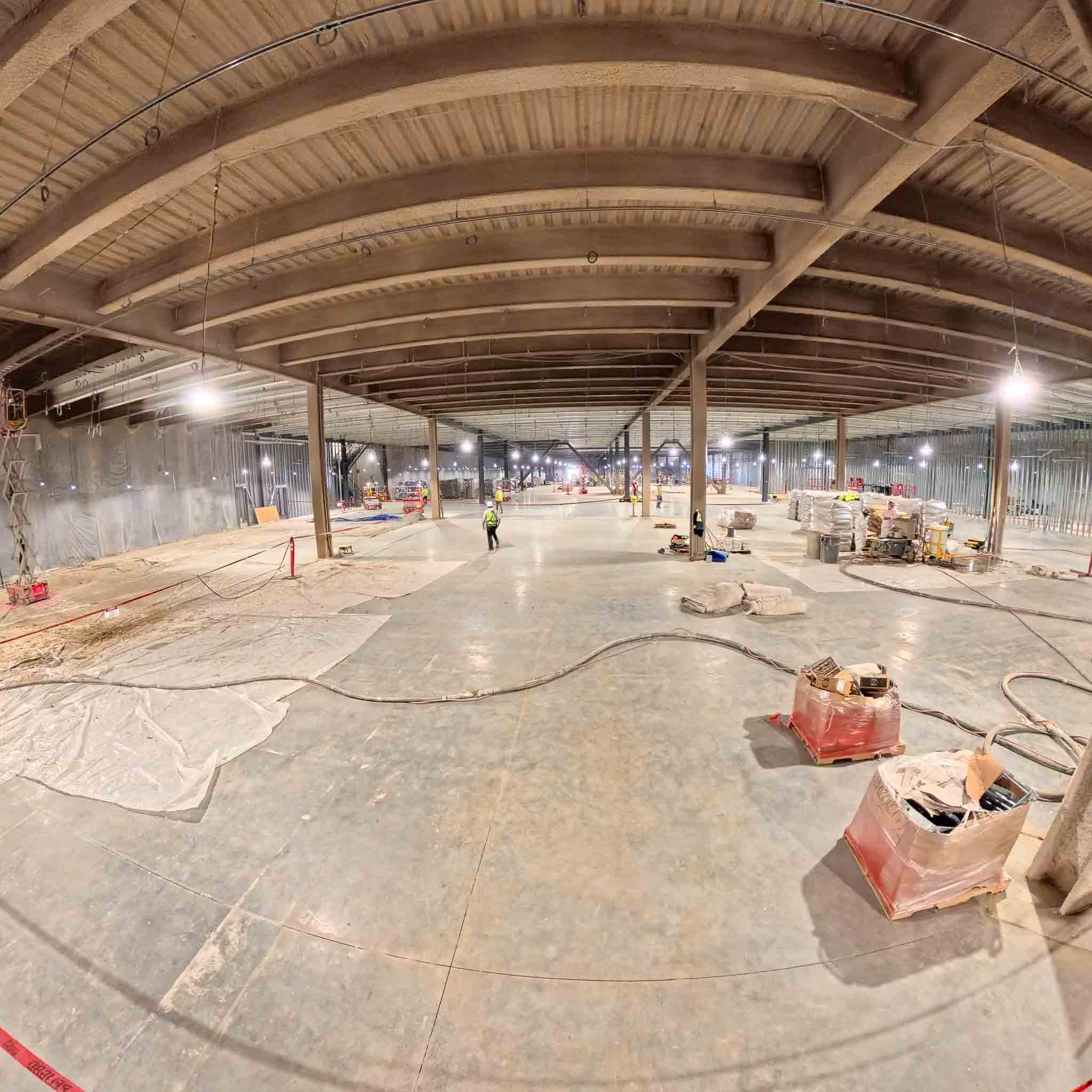
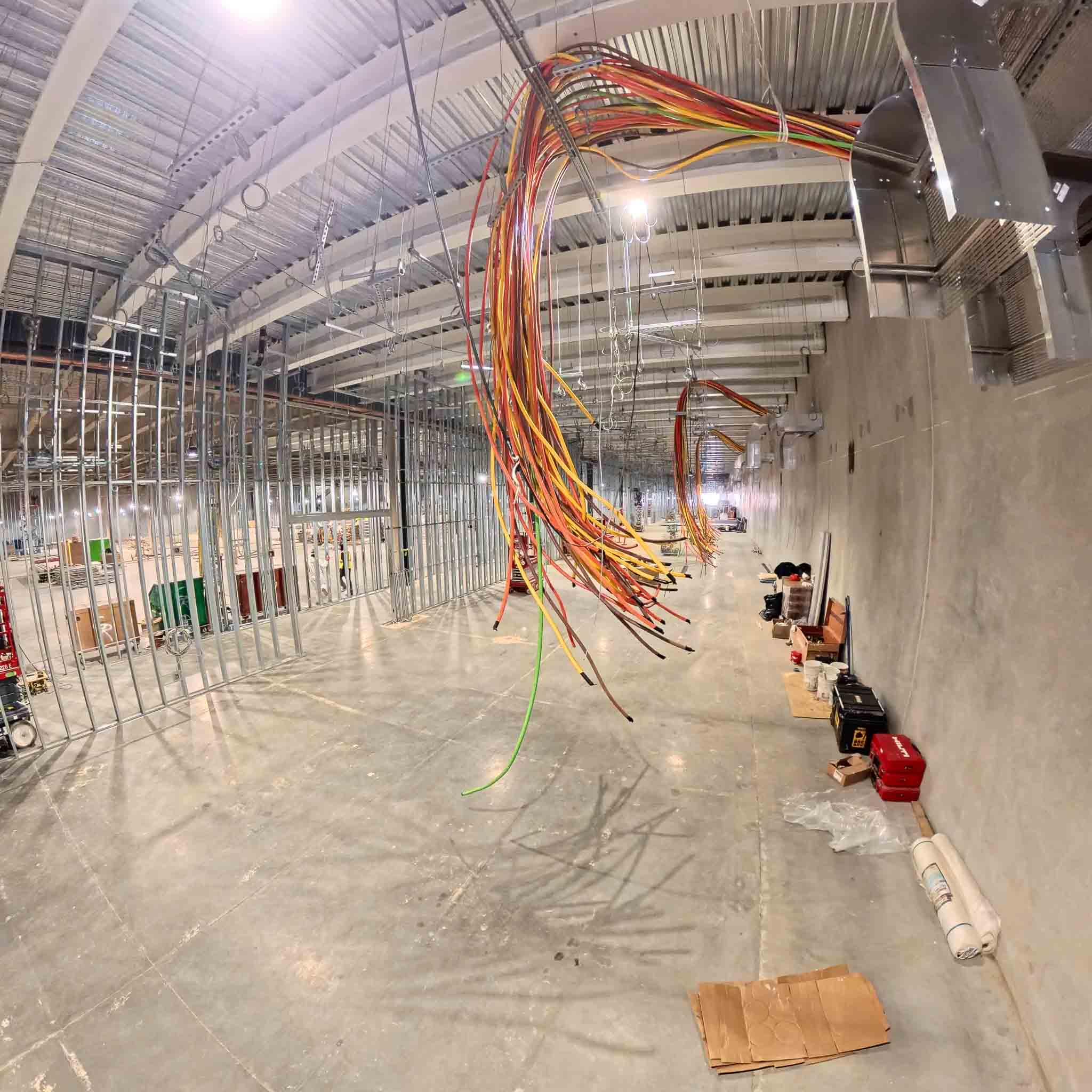
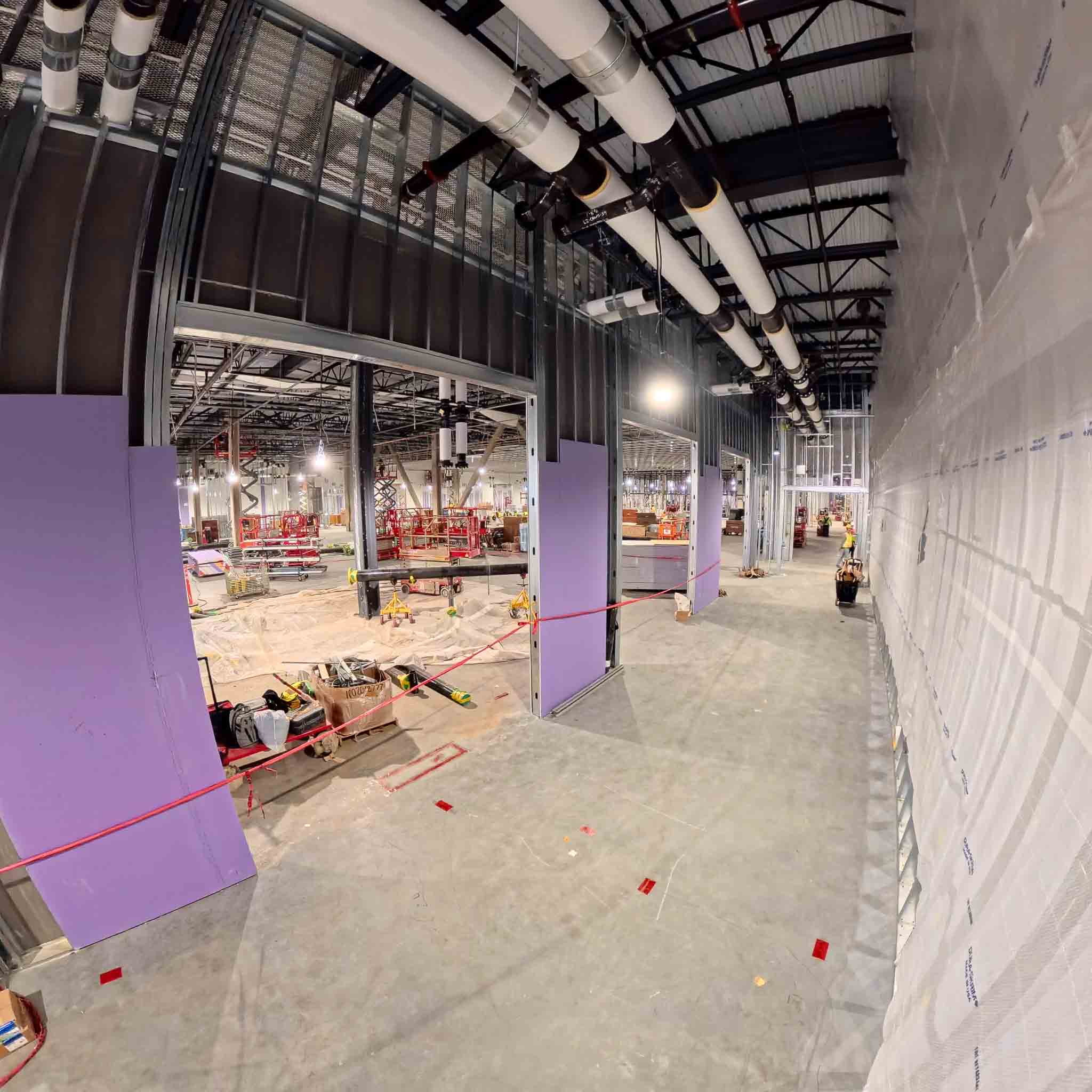
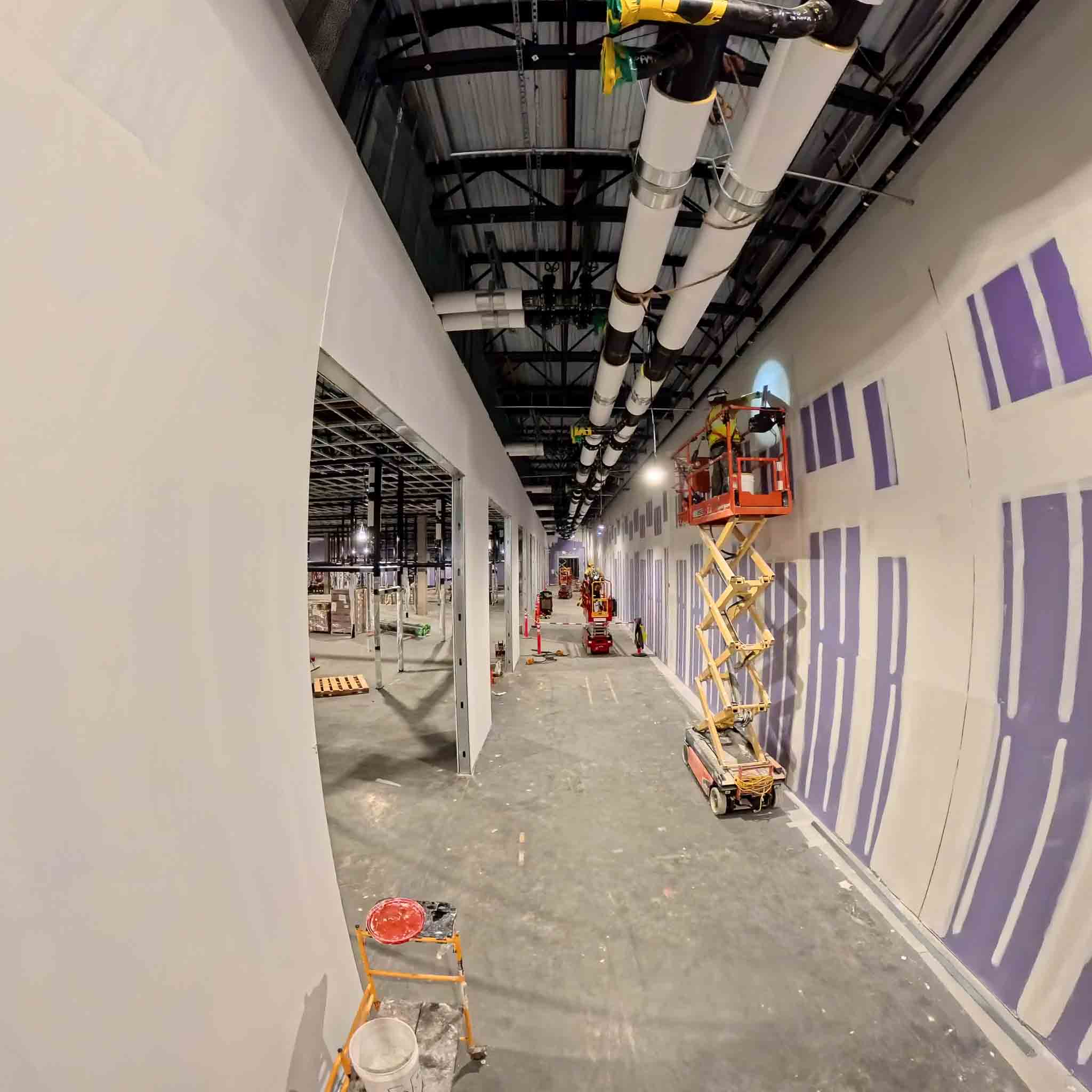
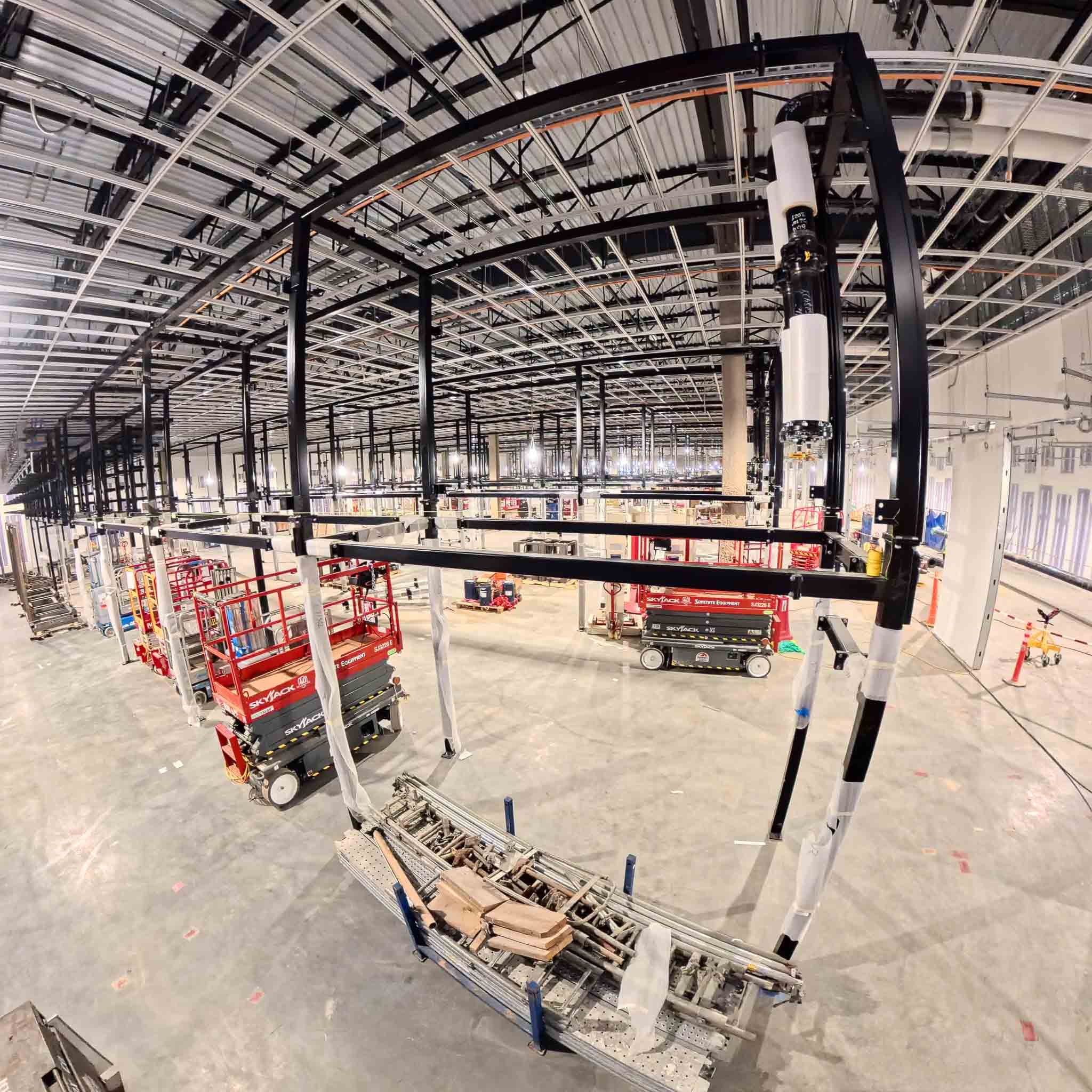
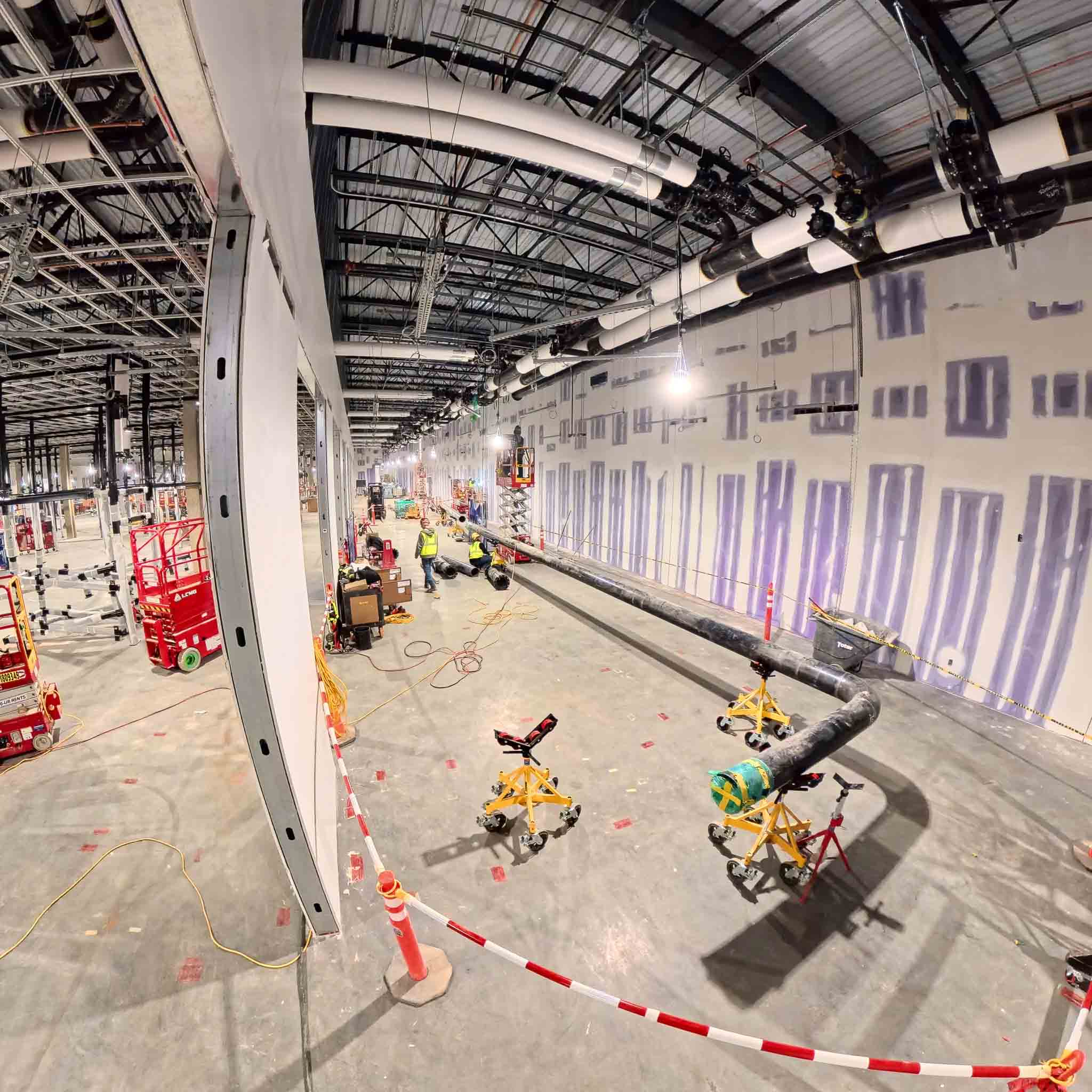
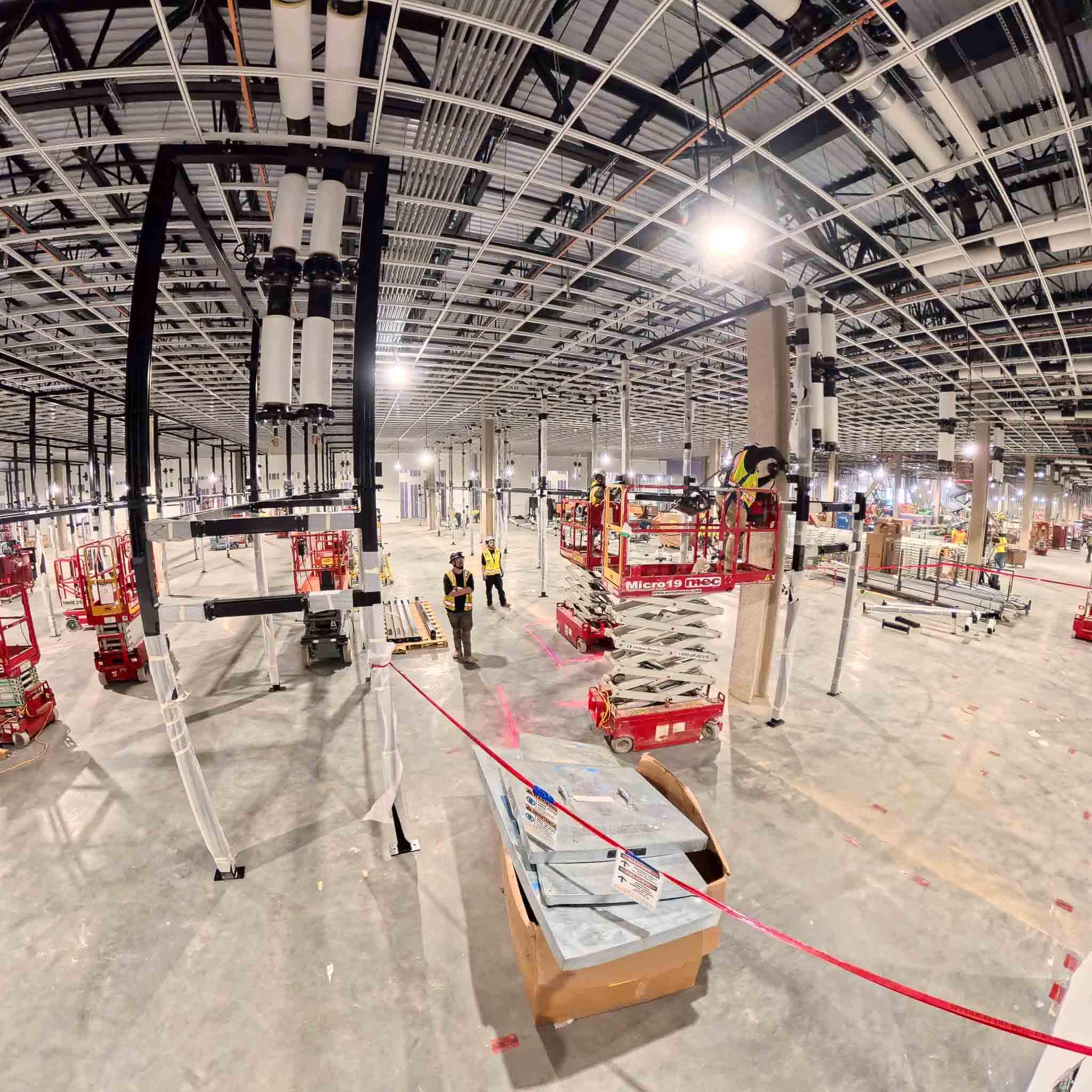
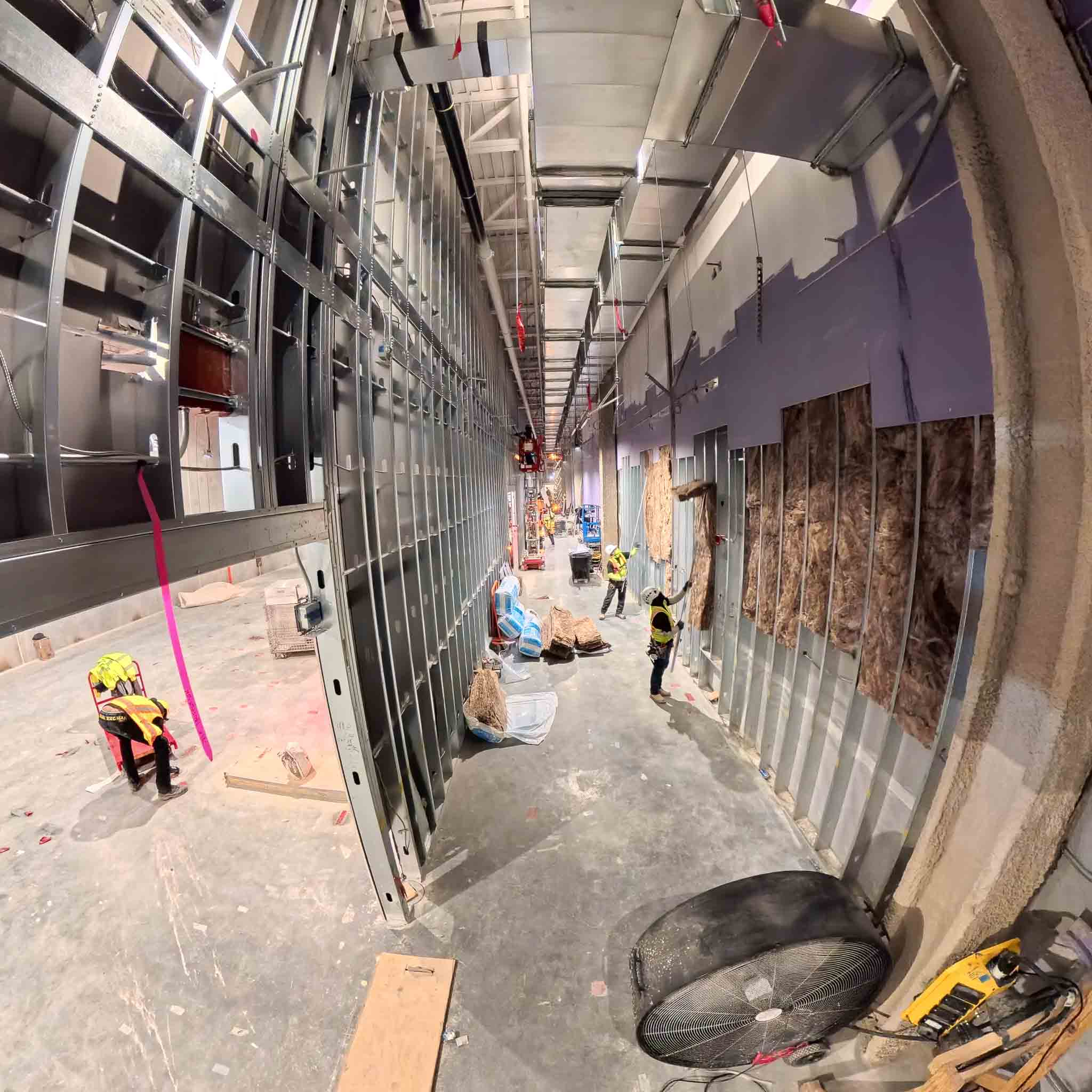
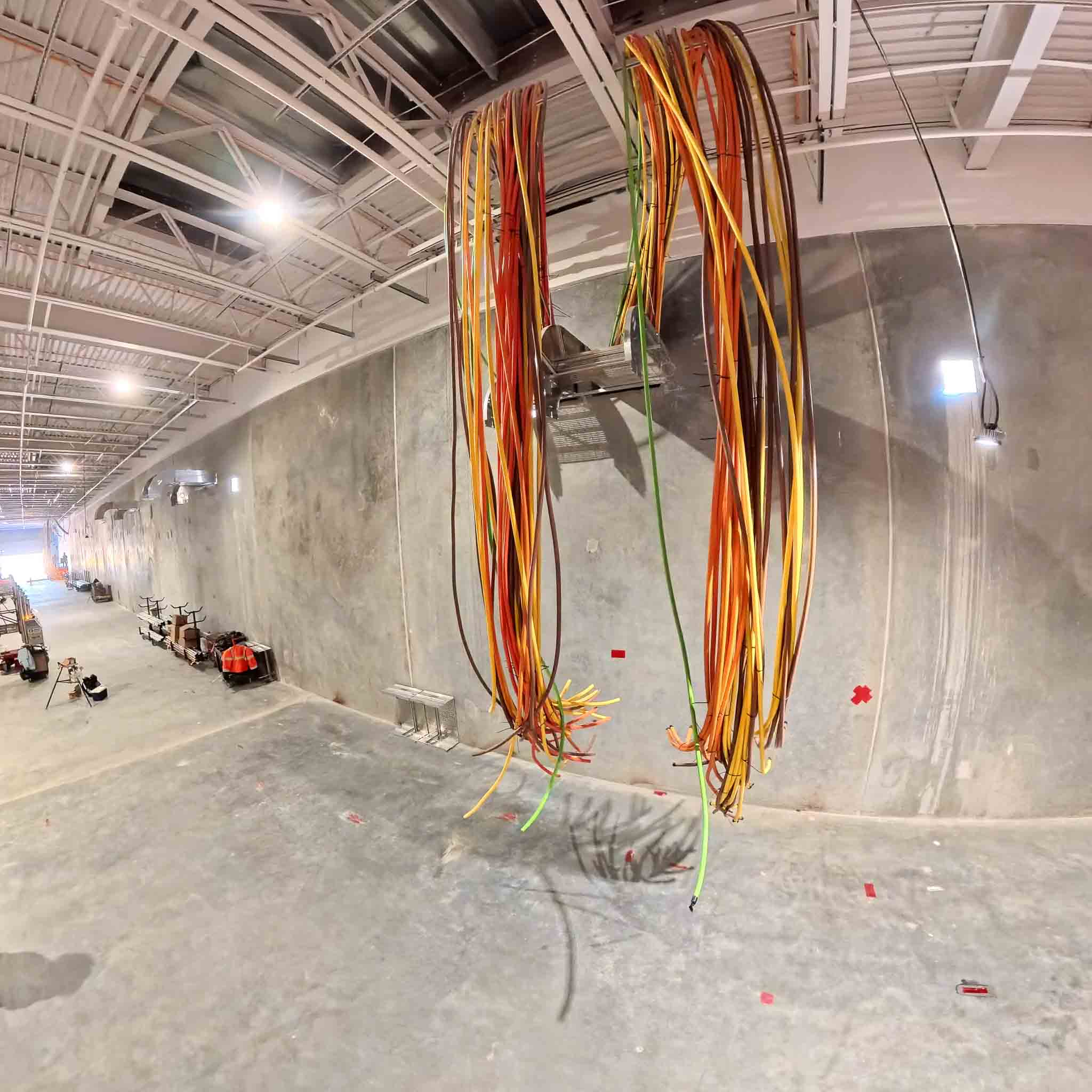
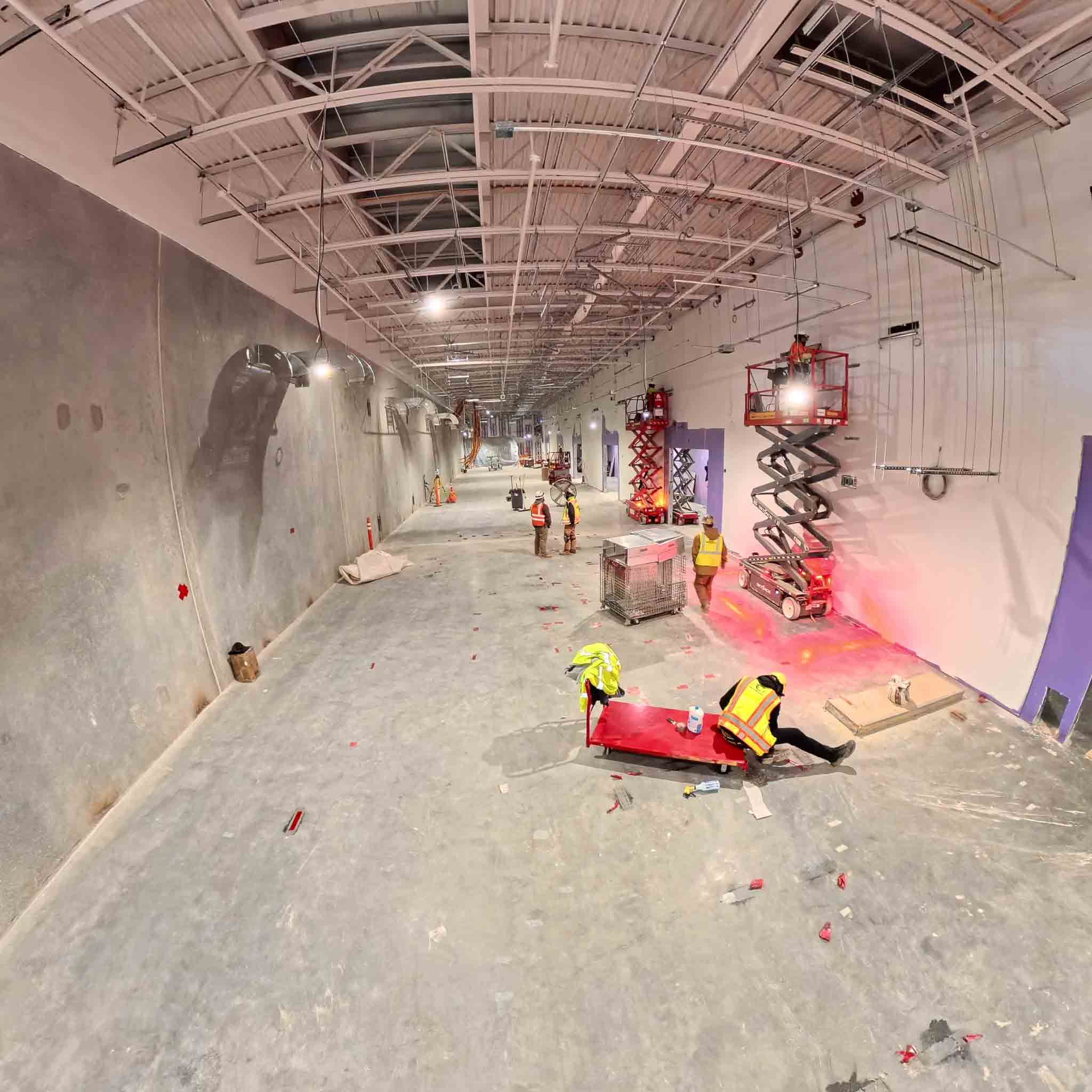
View the entire area by clicking inside and scroll around. Try zoom in and out!
Enable Virtual Reality (VR) is ON.
View the entire area by clicking inside and scroll around. Try zoom in and out!
Enable Virtual Reality (VR) is ON.
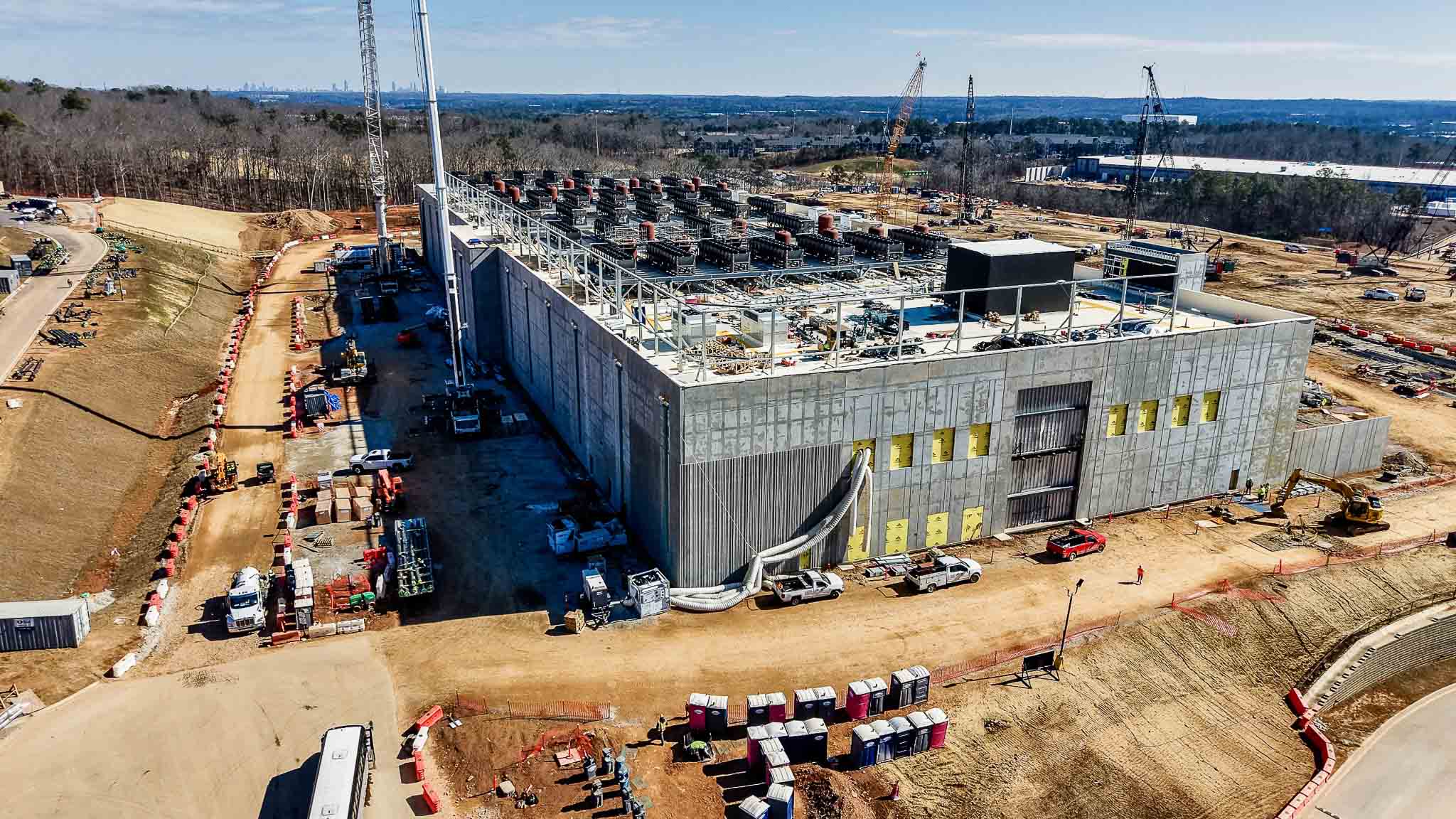
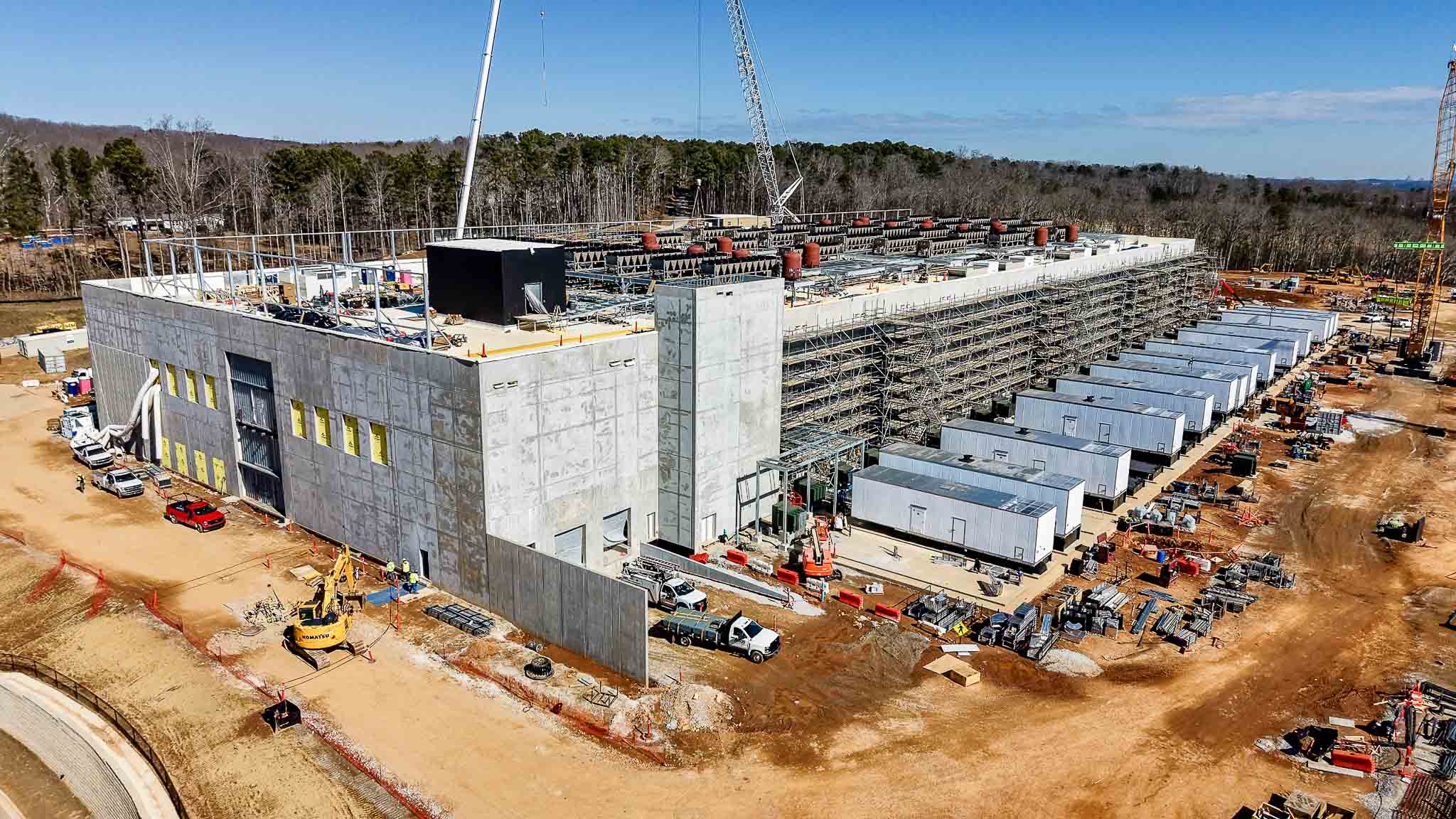
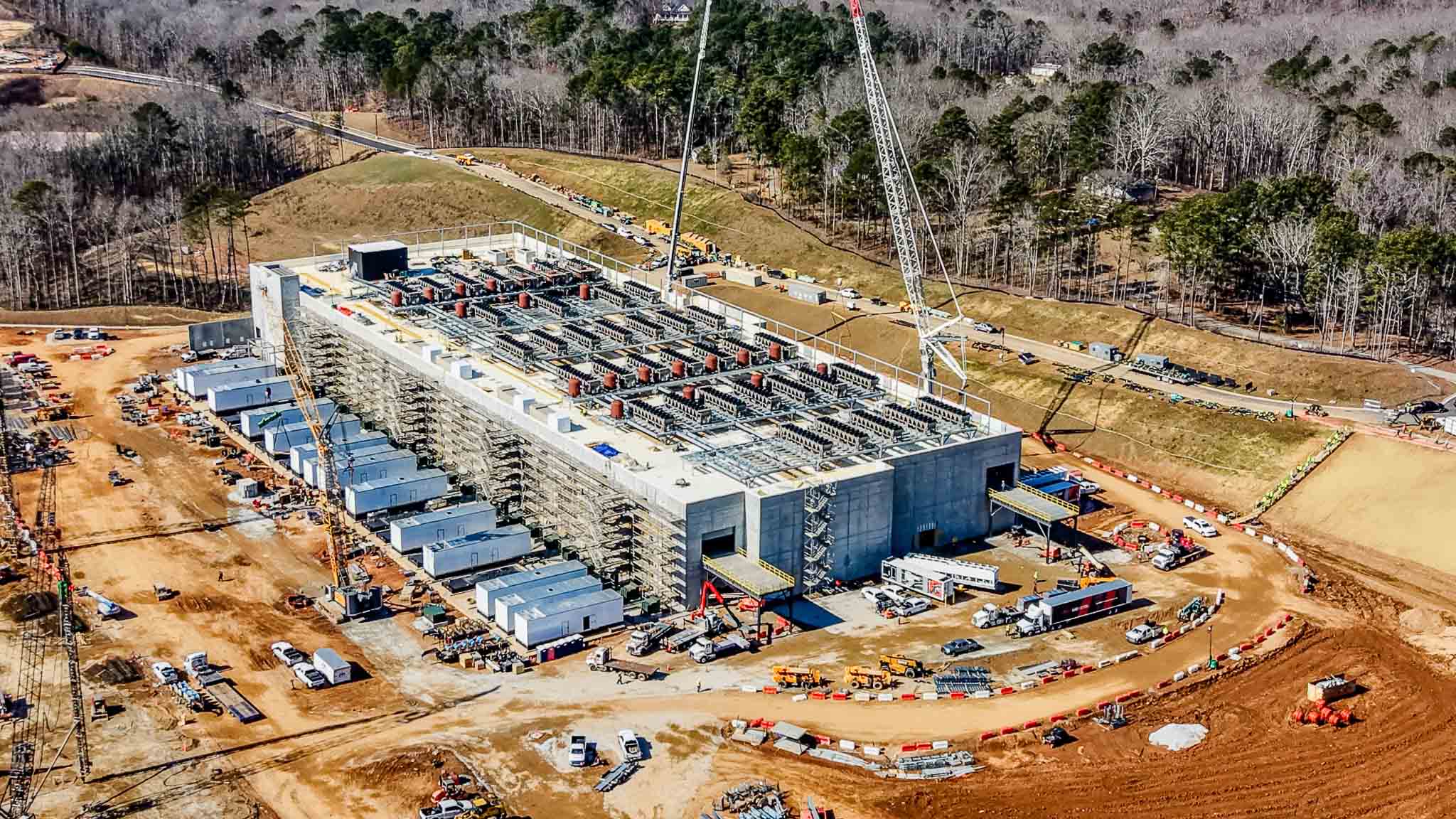
40MW area, 3D rendering is for illustrative purposes only and is not a precise or binding representation of the final project.
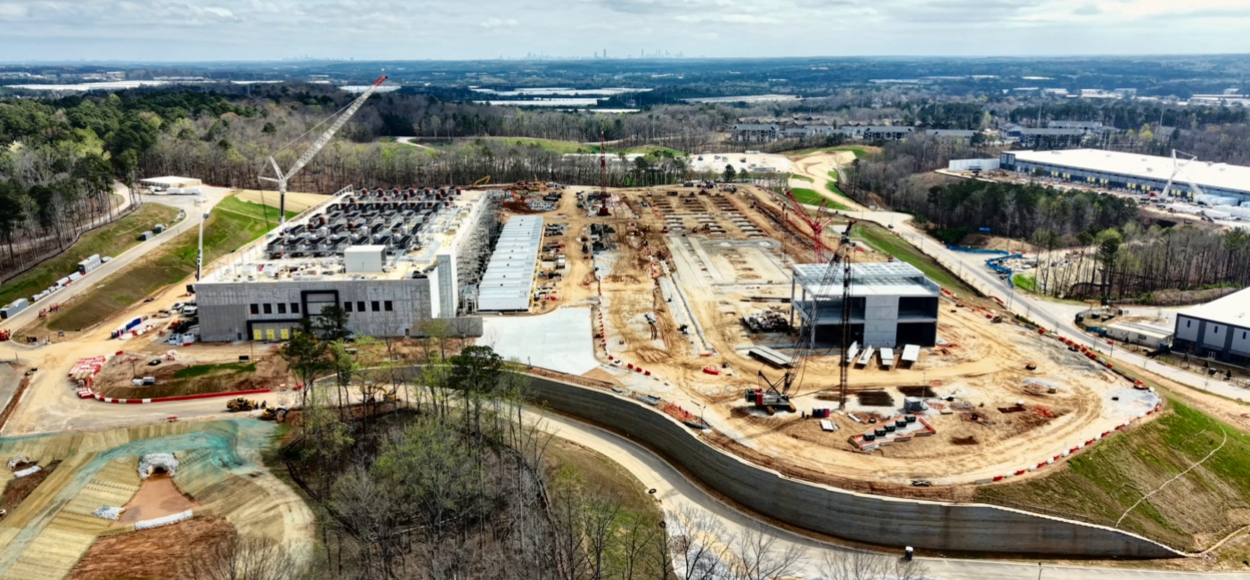
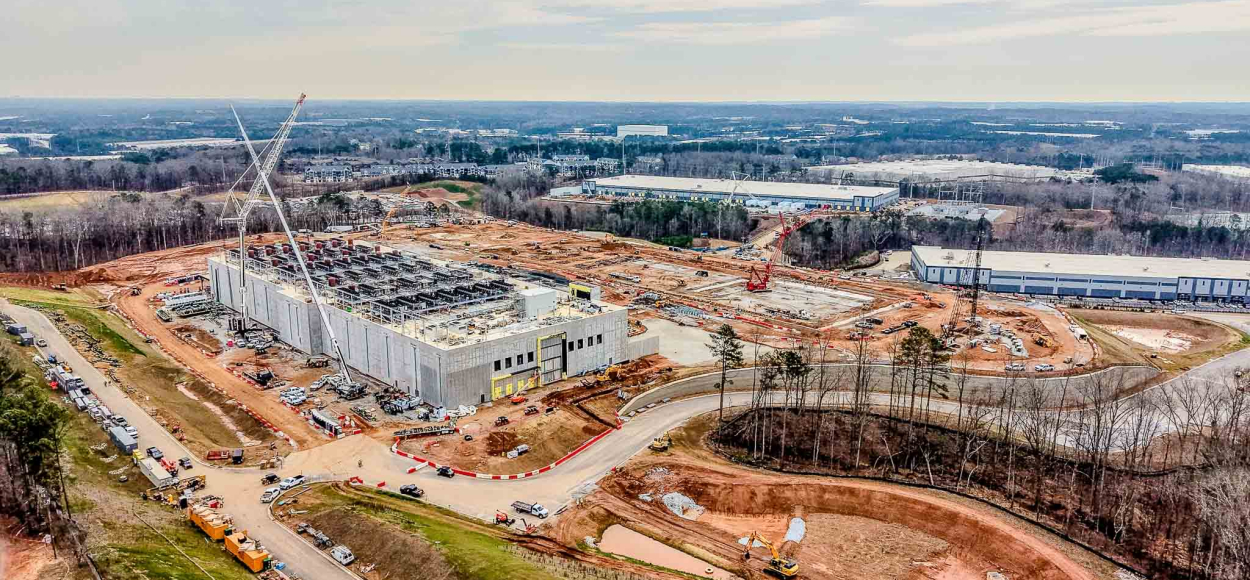
Entire Campus. 3D rendering is for illustrative purposes only and is not a precise or binding representation of the final project.
Video Slider
360-degree aerial video technology recently emerged and is now being actively tested. Use your mouse to scroll in any direction and explore the full campus view.
Copy and paste this link into the YouTube app in a mobile device for a
better dynamic viewing experience: https://youtu.be/WRbeBgpmxXk
Image Gallery Display & Download